4 min
4 min 
PrestaShop works best for businesses that want control over their store without a complex setup.
It lets you manage products, orders, payments, and shipping with ease. You choose your hosting and add features only when needed. This keeps costs predictable.
PrestaShop is not built for everyone. Large stores with complex workflows may need more technical support.
But for most growing stores, PrestaShop offers a strong balance of control, features, and cost.
This review explains what PrestaShop does well, where it struggles, and whether it fits your store in 2026.
Is PrestaShop good for online stores?

Yes, PrestaShop is a good choice for online stores that want flexibility without high platform fees.
PrestaShop lets store owners run an online shop with full control over hosting, features, and data. You can start small and add features as your store grows.
Daily tasks like product updates, order management, and payments stay simple.
What is PrestaShop?
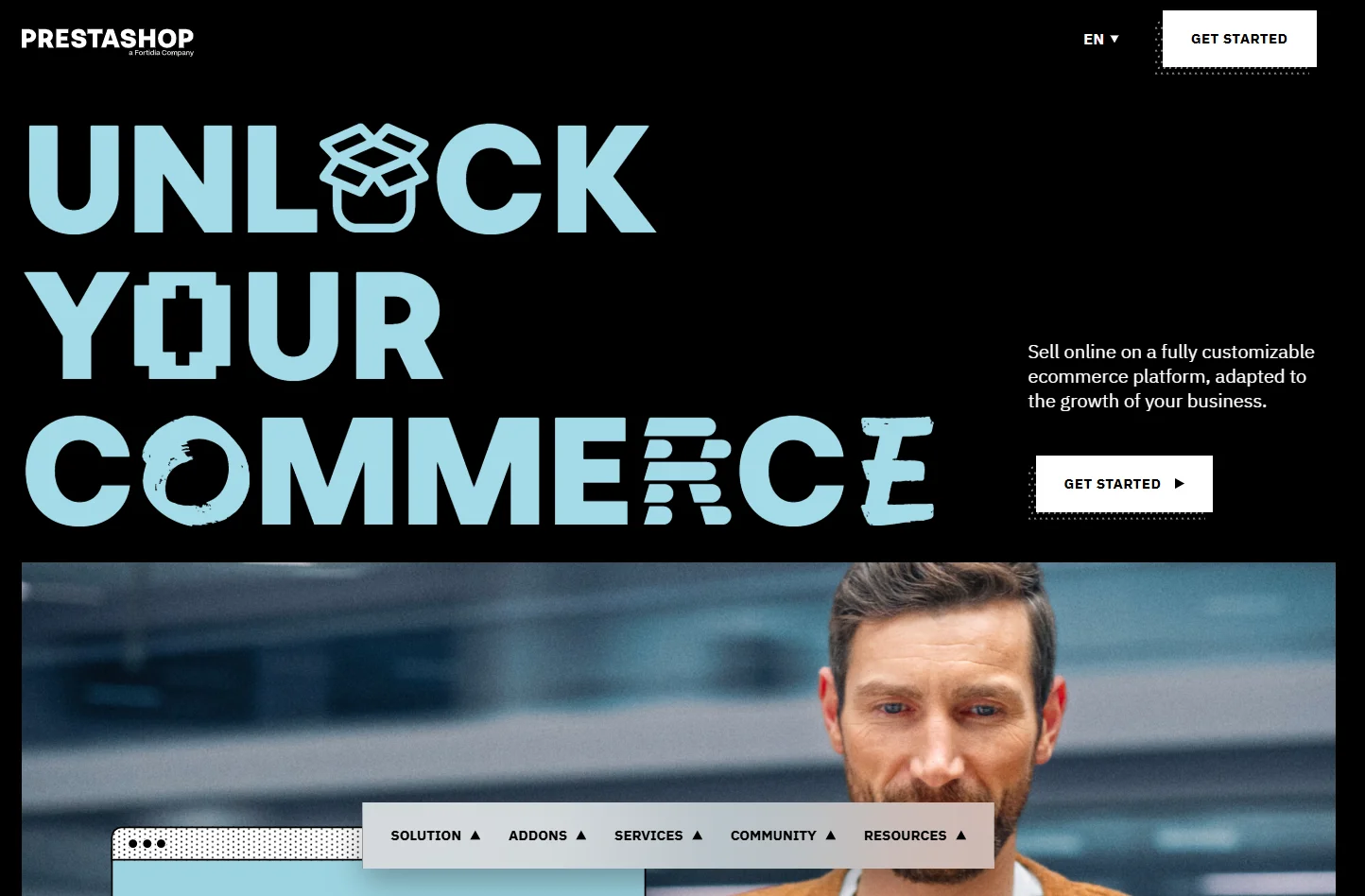
PrestaShop is an open-source ecommerce platform for building online stores.
It lets businesses sell products online using their own hosting and setup. Store owners control their data, features, and store design.
It provides core ecommerce features. Extra features come through modules like WiserReview, which you install only when needed.
What’s new in PrestaShop 9 (2025–2026 updates)
PrestaShop 9 is a major update packed with improvements for stores and developers.
It moves PrestaShop to a modern foundation built on Symfony 6.4 LTS and supports the latest PHP versions, giving better speed and security.
One of the biggest changes is the new Admin API, which makes it easier to connect your store with other systems like ERP, CRM, or marketing tools. This opens up more options for automation and integrations.
PrestaShop 9 introduces a modern, mobile-friendly theme called Hummingbird, which improves performance and user experience on both desktop and mobile.
Updates are also easier with the new Update Assistant tool.
PrestaShop features overview

➔ Product and catalog management
PrestaShop handles product and catalog management in a clear and practical way. Store owners can manage products daily without technical help. The system works well for stores that need control without complexity.
What you can manage
- Products with variants like size or color
- Categories and subcategories
- Stock levels and availability
- Pricing rules and taxes
- Product visibility and status
➔ Payment and shipping options
PrestaShop gives flexibility for payments and shipping. Store owners choose the methods that fit their customers and regions. Most setups work through modules and stay easy to manage.
What’s supported
- Multiple payment gateways
- Local and international payment methods
- Shipping rules by location, weight, or price
- Multiple carriers and delivery options
- Check out the configuration without coding
➔ Multi-store and multi-language support
PrestaShop supports selling in different regions from one system. Store owners manage multiple stores and languages without separate installs. This helps businesses expand step by step.
What’s included
- Multiple stores from one admin panel
- Different languages per store
- Currency and pricing control
- Country-based settings
- Shared or separate catalogs
➔ Extensions and module marketplace
PrestaShop uses modules to extend features. Store owners add only what they need. This keeps the store clean and flexible as it grows.
What the marketplace offers
- SEO and marketing tools
- Review and trust modules
- Analytics and reporting add-ons
- Payment and shipping integrations
- Design and performance modules
WiserReview works well with PrestaShop stores that want an easy way to collect and show customer reviews. It helps store owners collect reviews through email and WhatsApp, manage them in one place, and display them on product pages. Setup stays simple and does not add technical load. This makes WiserReview a practical add-on for growing PrestaShop stores.



Show product reviews that boost trust
Collect reviews from email and WhatsApp, manage them easily, and display them beautifully on your PrestaShop store.
PrestaShop pricing – What it really costs

PrestaShop is free to use, but running a store is not free. The real cost comes from hosting, themes, modules, and optional support. How much you spend depends on your store size and feature needs.
PrestaShop works on a pay-as-you-grow model. You start with basic costs and add expenses only when you need more features or higher performance. This helps businesses control spending.
1. PrestaShop classic (Self-Hosted)
PrestaShop Classic is free to download. You host and manage the store yourself. This option gives the most control and the lowest starting cost.
What you pay for
- Hosting and domain (not included)
- Optional premium themes and modules
- Optional developer help
2. PrestaShop hosted
PrestaShop Hosted includes hosting and basic support. Setup is faster and easier than Classic.
- From €24 per month (excl. VAT)
- Free 14-day trial
What’s included
- Hosting with 50 GB storage
- Store installation
- Automatic VAT calculation
- GDPR and cookie tools
- Email or phone support
3. PrestaShop enterprise
PrestaShop Enterprise targets large businesses with advanced needs.
- From €2,115 per month (excl. VAT)
- 24-month commitment
What’s included
- High-performance hosting
- Advanced customization support
- Faster updates and better performance
- Access to selected premium features
Pros and cons of PrestaShop
Here are the main pros and cons of PrestaShop to help you decide if it fits your store.
Pros of PrestaShop

1. Low starting cost with flexible growth
PrestaShop does not force a monthly platform fee. This lowers the risk for new stores.
You spend money only when you need hosting, themes, or modules. As your store grows, you add features step by step. This keeps spending aligned with revenue instead of fixed plans.
2. Full ownership of your store
PrestaShop is self-hosted, which means you own your store files, database, and setup. You are not locked into one provider.
You can move hosts, customize deeply, or change partners without restrictions. This matters for long-term businesses.
3. Strong core ecommerce foundation
PrestaShop handles essential ecommerce tasks well. Product management, inventory, orders, taxes, shipping, and payments work reliably.
Store owners can manage daily operations without touching code once the store is set up properly.
4. Modular feature control
PrestaShop uses modules instead of forcing all features into the core. This keeps the system lighter.
You add SEO, marketing, reviews, analytics, or automation only when needed. This avoids feature overload and keeps performance easier to manage.
5. Good fit for international selling
PrestaShop supports multiple languages, currencies, and stores. This helps businesses sell across regions without rebuilding their store. For growing brands, this is a practical advantage.
Cons of PrestaShop

1. Paid modules for advanced features
PrestaShop keeps the core platform simple, but many advanced features come through paid modules.
This gives flexibility, but it also means costs can grow over time. Store owners need to plan which features are essential and avoid adding too many modules that overlap.
2. Performance depends on hosting
PrestaShop does not control hosting for you. Store speed and stability depend on the server you choose.
Small stores run fine on basic hosting, but growing traffic and larger catalogs often require better servers and caching to keep pages fast.
3. Technical effort increases with scale
PrestaShop is easy to manage at a small or mid-size level.
As the store grows, technical needs increase. Custom pricing rules, complex shipping logic, and integrations usually require developer support.
4. Not enterprise-ready by default
PrestaShop is not built as an enterprise platform out of the box.
Businesses with complex workflows, advanced B2B needs, or heavy automation often need custom development or may prefer enterprise-focused platforms.
PrestaShop vs competitors
Here is how PrestaShop compares with other popular ecommerce platforms.
PrestaShop vs Shopify
Choose PrestaShop if you want control. Choose Shopify if you want convenience.
PrestaShop lets you own your store setup. You control hosting, costs, and features. Shopify removes setup work but adds ongoing platform fees and limits backend control. One favors ownership. The other favors ease.
| Points | PrestaShop | Shopify |
|---|---|---|
| Hosting | Self-hosted | Fully hosted |
| Monthly platform fee | $0 | $39–$399+ |
| Hosting cost | $5–$200/month | Included |
| Transaction fees | No | Yes (unless Shopify Payments) |
| Control | Full | Limited |
| Best for | Cost control | Fast setup |
PrestaShop vs WooCommerce
Choose PrestaShop for structured ecommerce. Choose WooCommerce for content-first sites.
PrestaShop is built only for ecommerce. WooCommerce depends on WordPress and plugins. PrestaShop keeps store management separate from content. WooCommerce mixes both.
| Points | PrestaShop | WooCommerce |
|---|---|---|
| Platform type | Standalone ecommerce | WordPress plugin |
| Platform cost | $0 | $0 |
| Hosting cost | $5–$200/month | $5–$200/month |
| Plugin costs | Paid modules | Paid plugins |
| Setup effort | Medium | Medium |
| Best for | Pure ecommerce | Content + sales |
PrestaShop vs BigCommerce
Choose PrestaShop for flexibility. Choose BigCommerce for managed hosting.
PrestaShop gives control but requires hosting management. BigCommerce includes hosting and performance handling. You trade control for simplicity.
| Points | PrestaShop | BigCommerce |
|---|---|---|
| Hosting | Self-hosted | Fully hosted |
| Monthly platform fee | $0 | $39–$399+ |
| Hosting cost | $5–$200/month | Included |
| Customization control | Full | Limited |
| Scaling cost | Flexible | Plan-based |
| Best for | Flexible growth | Managed stores |
Who should use PrestaShop in 2026?

PrestaShop should be used by small and mid-size online stores in 2026 that want control and lower costs.
PrestaShop fits store owners who want to run an online store on their own terms.
It works best when you want to avoid fixed platform fees and prefer to decide how your store grows.
➔ PrestaShop is a good fit if you
- Run a small or mid-size online store
- Want to start lean and grow step by step
- Prefer full ownership of store data and setup
- Are you comfortable managing hosting or working with a developer
- Sell physical products with standard ecommerce needs
➔ PrestaShop is not the right fit if you
- Need enterprise features out of the box
- Want a fully managed, hands-off platform
- Run very large or complex operations from day one

Show product reviews that boost trust
Collect reviews from email and WhatsApp, manage them easily, and display them beautifully on your PrestaShop store.
Start Free →Final verdict
PrestaShop is a strong choice for stores that want ownership and cost control.
It works best for businesses that prefer to build their store step by step. You decide the hosting, features, and upgrades instead of being pushed into fixed plans. This makes spending easier to manage and avoids paying for tools you do not use.
PrestaShop is not ideal for stores that need complex workflows or enterprise features from the start. Those setups often need more technical work or a different platform.
Frequently asked questions
Yes. PrestaShop is free to download. You still pay for hosting, themes, and modules if needed.
Yes. It is beginner-friendly for basic store setup, but some technical help may be needed as the store grows.
Yes. It supports multiple languages, currencies, and stores from one admin panel.
Yes. It scales well for small and mid-size stores with proper hosting and setup.
Avoid it if you need enterprise features or complex workflows without custom development.
Yes. WiserReview integrates with PrestaShop to collect, manage, and display customer reviews without heavy setup or technical work.

Krunal