4 min
4 min 
Choosing the right platform is the most important decision for any entrepreneur looking to launch an online store. The wrong choice can lead to frustration, unexpected costs, and limitations on growth.
There are about 4.53 million active WooCommerce stores worldwide, while only 41,221 active Bigcommerce stores, according to the 2026 report.
BigCommerce holds about 5% of the e-commerce software market of the global ecommerce platform market share, while WooCommerce leads globally with around 37% of the ecommerce platform market share.
Two of the most popular choices in the e-commerce space are BigCommerce and WooCommerce. While both are excellent for building and managing a successful online store, they operate on fundamentally different models.
In this blog, we’ll explore how BigCommerce compares to WooCommerce, breaking down their features, pricing, ease of use, and overall value so you can decide which platform fits your online store better.
Quick comparison
Before diving into the detailed analysis, here’s a quick comparison of BigCommerce and WooCommerce across key factors.
| Features | BigCommerce | WooCommerce |
|---|---|---|
| Ease of Use | Beginner-friendly, all-in-one hosted solution | Requires setup (hosting, WordPress, plugin), steeper learning curve |
| Cost Structure | Subscription-based (monthly fee) with predictable pricing | Free plugin, but you pay for hosting, domain, SSL, themes/plugins |
| Control & Customization | Limited control over code, uses a hosted environment, and has built-in options | Full control, open source, highly customizable store. |
| Integrations & Extensions | Curated app marketplace, built-in ecommerce features | Huge ecosystem, WordPress + WooCommerce plugins, many free & paid |
| Scalability & Maintenance | Managed by BigCommerce, hosting, security, and scalability are handled | You manage hosting, updates, security, and scaling yourself |
Platform overviews
Understanding the technology behind each platform is important because it affects how you set up, manage, and grow your store. Although both platforms help you sell online, their structure are very different.
What is WooCommerce?
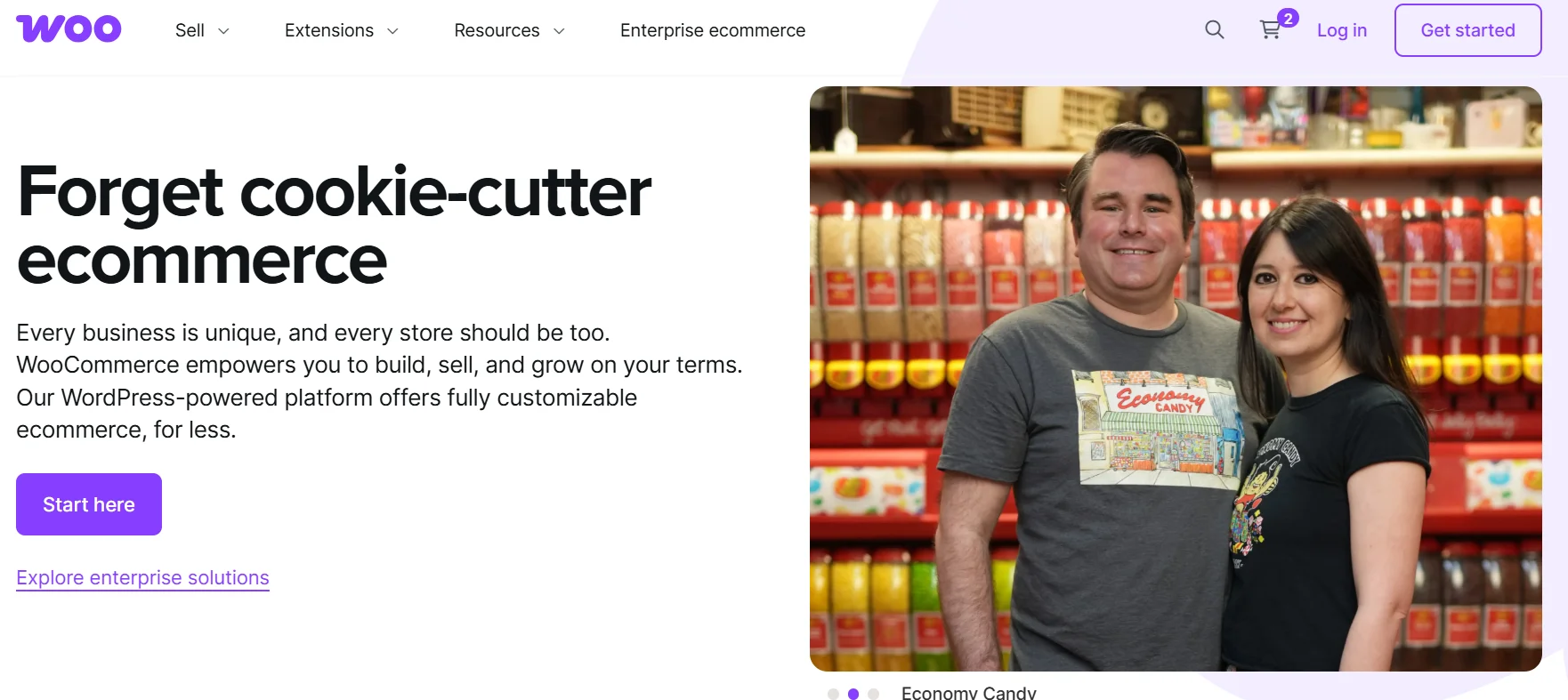
WooCommerce is an open-source plugin for WordPress that converts a WordPress website into a full online store. You need to handle hosting, domain, and installations, but once it’s set up, you get your store that you can customize freely.
Because it’s open source, it gives full control: you can manage every aspect of the store, from design to functionality, using WordPress themes and plugins.
What is BigCommerce?

BigCommerce is a fully hosted, all-in-one e-commerce platform (SaaS). With BigCommerce, hosting, security, updates, server resources, and built-in features are all bundled. That means you can launch and manage a store with little technical hassle.
Because everything is managed for you, you don’t need to worry about server setup, site maintenance, or technical upkeep, making it easier for people who don’t want to deal with backend complexity.



All your reviews in one place
Collect reviews, manage every response, and display them where they matter most.
Features comparison
While both platforms cover the essential requirements for ecommerce, the way they implement and offer these features varies due to their hosted vs. self-hosted models.
Core selling & store features
Here’s how both platforms differ when it comes to built-in features and capabilities.
BigCommerce

- Out-of-the-box ecommerce functionality: inventory, orders, customer management, and payments all built in.
- Supports multi-currency, multi-storefront, advanced promotions, wishlists, vouchers, price lists, and store credits.
- Automatic updates, security, hosting, and PCI compliance, nothing extra needed from you.
WooCommerce
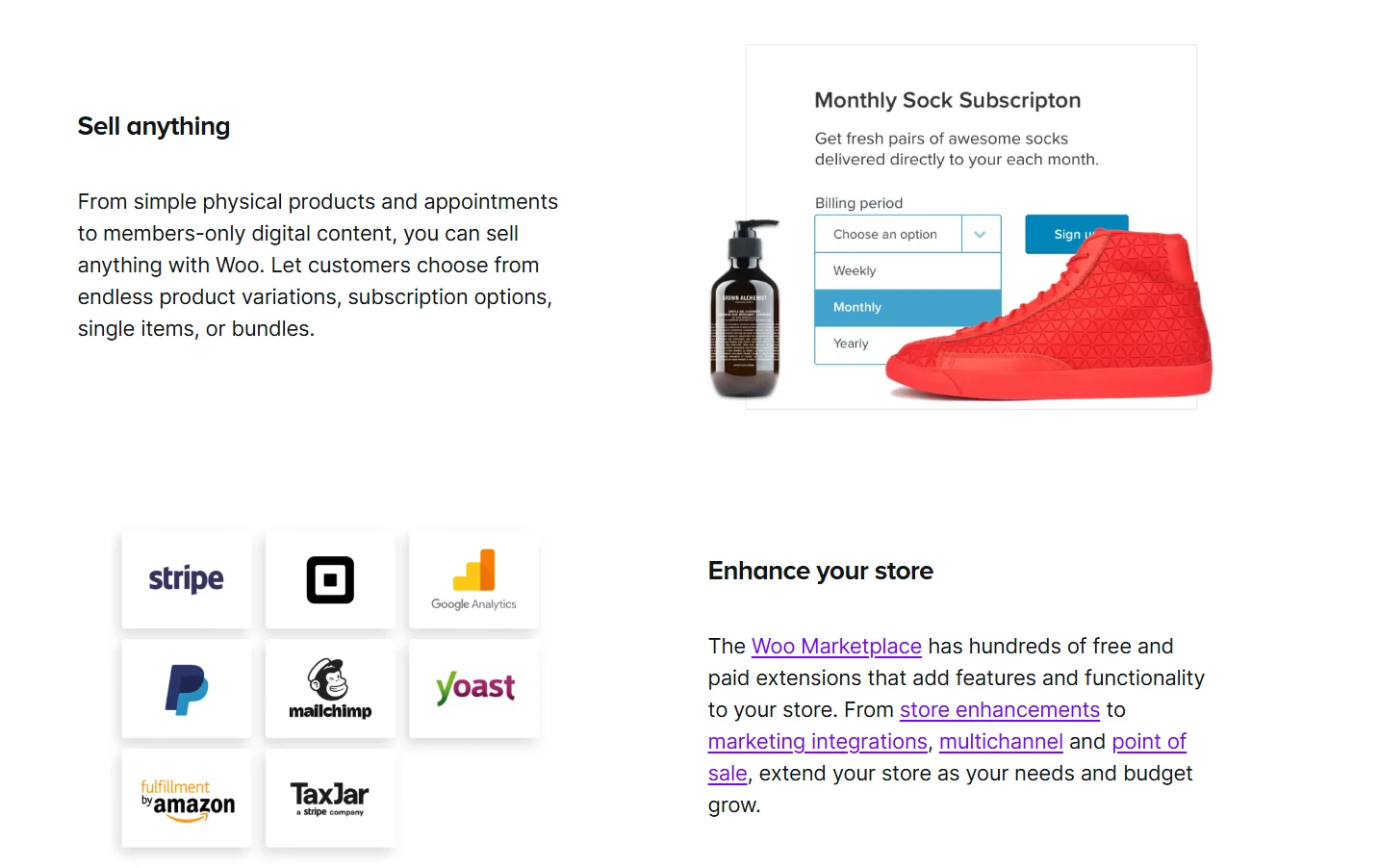
- Core store features via plugin: product listings, cart, checkout, basic inventory, and tax/shipping options.
- Because it’s on WordPress, you can extend store features easily with payment gateways, shipping, advanced product types, and analytics through plugins or custom code.
- Full data control: you own files, database, and configurations. Great for custom workflows or unique business models.
Design, customization & themes
Design and customization flexibility a key differences, mainly driven by the technology behind each platform.
BigCommerce
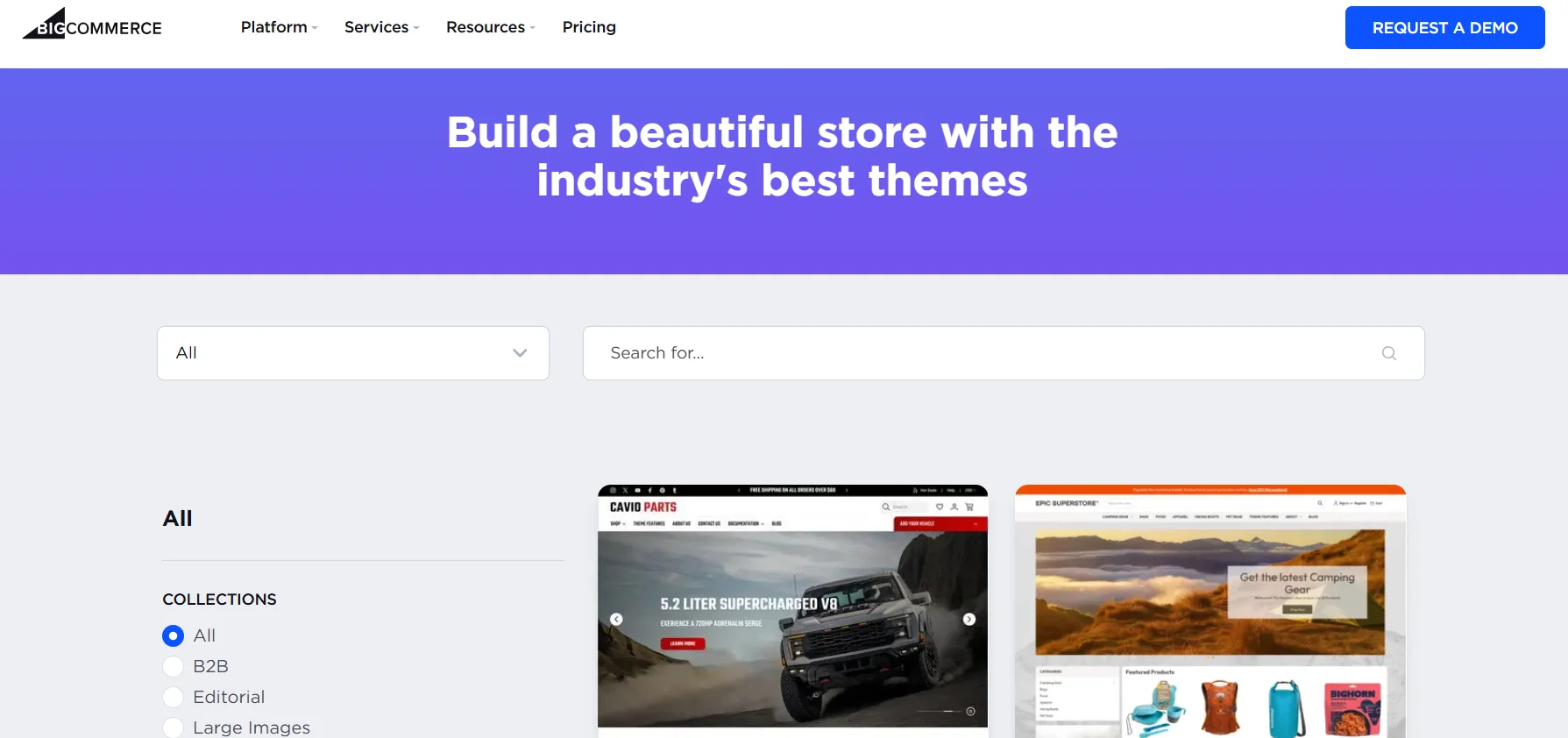
- Offers a set of professional, conversion-optimized themes. Enough for a clean, polished store with minimal setup.
- Mobile-responsive by default, with a built-in page builder and tools to customize layout without coding.
- But customization is limited compared to open-source options; deep layout or advanced design changes may be restricted or require theme-specific knowledge.
WooCommerce

- Complete design freedom: thousands of WordPress themes (free & paid), page builders, ability to fine-tune layout, CSS code, ideal if you want a custom look.
- Unlimited flexibility, if you have design/development skills can build exactly the store you imagine.
- But with flexibility comes risk: using poorly coded themes or incompatible plugins can cause performance or compatibility issues, and maintenance becomes more hands-on.
WiserReview is review management software. It helps you collect, manage, automate, and display reviews without extra work. It pulls in customer feedback, sends review requests on time, and shows clean widgets that help your store build trust and get more sales.
SEO, marketing & integrations
The ability to attract customers (SEO/Marketing) and connect with essential business tools (Integrations) for growth, and both platforms offer advanced options, through accessed differently.
BigCommerce
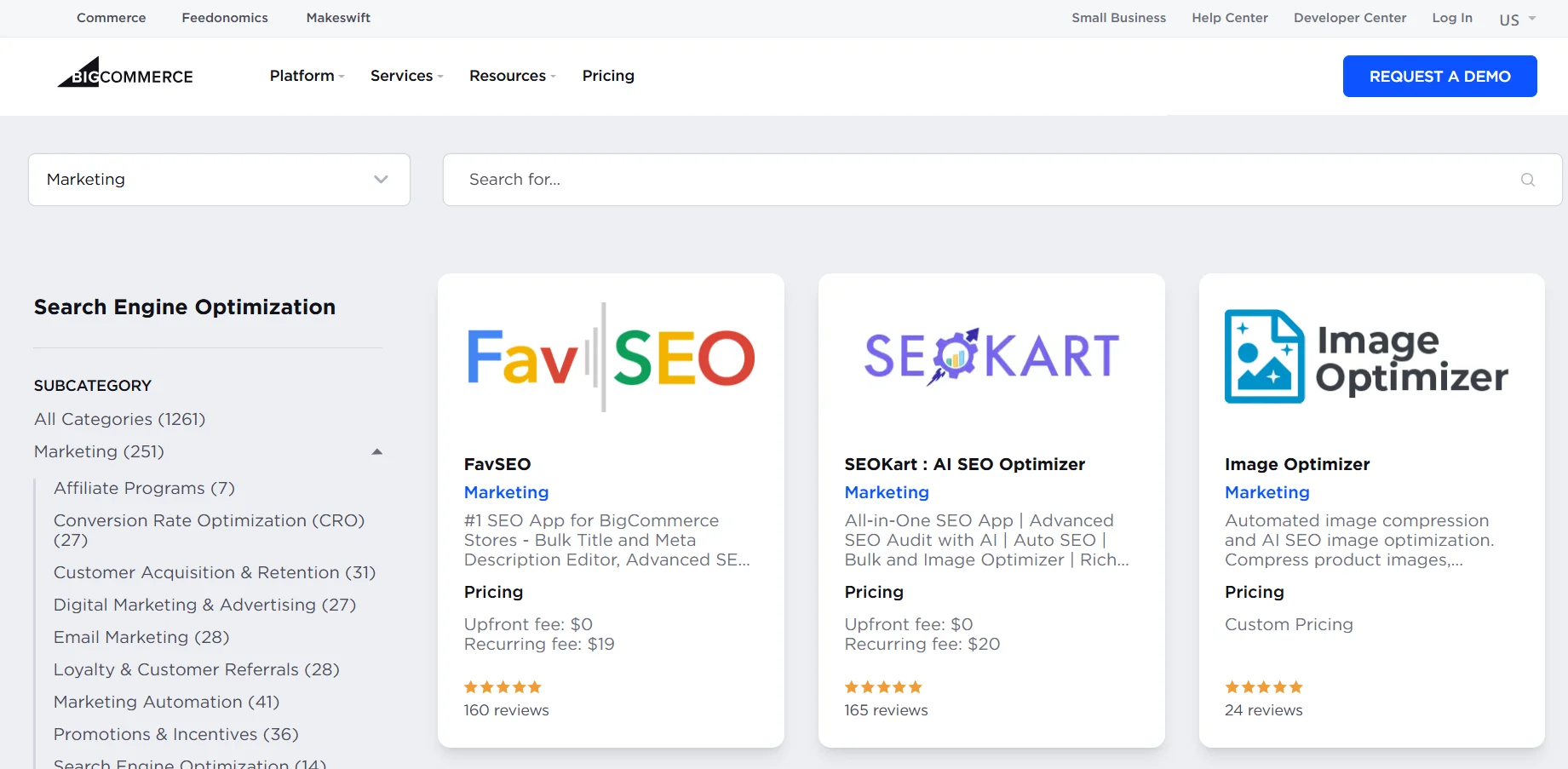
- SEO, content, and marketing features are part of the core hosted service.
- Features like email marketing tools, analytics, and outreach services are accessed through an approved app store.
- The app store contains hundreds of tested, reliable, third-party integrations, ensuring compatibility and quality.
WooCommerce

- Uses WordPress’s strong SEO features, which are naturally SEO-friendly, and works well with top SEO plugins like All in One SEO.
- For marketing and integration features, you have access to over 59,000 free WordPress plugins, plus countless premium extensions for any function.
- Users can integrate with virtually any third-party service, from email marketing to analytics, by finding the appropriate plugin.
- Requires the user to manually manage and update plugins to avoid conflicts or security issues.

All your reviews in one place
Collect reviews, manage every response, and display them where they matter most.
Start Free →Scalability, performance & security
A successful store requires a platform that can handle increasing traffic and transactions securely.
BigCommerce

- Offers hassle-free scalability, you simply upgrade your subscription plan as your business grows.
- Since it’s fully hosted, the platform is responsible for managing server resources, performance optimization (caching), and load management.
- The platform automatically takes care of security updates, backups, and SSL, providing enterprise-level security by default.
- It’s a better choice for businesses prioritizing a full managed, hands-off approach to technical management.
WooCommerce

- Scalability is the user’s responsibility and is directly tied to the hosting plan you choose. To handle growth, you must upgrade your hosting account (e.g., from shared VPS or dedicated hosting).
- The user is fully responsible for managing performance factors, including implementing caching solutions, image optimization, and content delivery networks (CDN).
- Security backups, and site maintenance must be manually handled by the user pr through the third-party WordPress security plugins.
- While it can scale, it requires more technical effort and active management from the user.
Ease of use & setup
Ease of use is often the key factor for beginners who want to start quickly without technical issues.
BigCommerce

- Setup is extremely easy. It is fully hosted; there is no need to install software, set up hosting, or worry about security and backups.
- Users can get started with a 15-day free trial and set up in as few as three steps (email, store name, and basic details).
- The dashboard is easy to use and lets you quickly manage orders, products, customers, and marketing.
WooCommerce

- The setup is more complex. It requires buying a domain, securing a hosting account, installing WordPress, and running the WooCommerce plugin’s setup wizard.
- WooCommerce hosting providers can simplify the pre-installing the software, but the user is still responsible for the hosting maintenance.
- The platform is more challenging to learn initially due to the need to navigate both the WordPress and WooCommerce settings, theme compatibility, and extensions.
- Tons of free resources (documentation, forums, tutorials) are available to help users navigate issues.
Pricing & cost structure
The total cost of ownership is often the deciding factor, especially for new stores operating on a tight budget.
BigCommerce pricing

- The most basic plan is “Standard,” which starts at $29 per month.
- This monthly fee includes everything needed to launch, including hosting, security, and access to all essential features.
- If a user wants a custom domain name, they must buy it separately, though they can use a BigCommerce subdomain initially (e.g., mystore.mybigcommerce.com).
- High-tier plans include additional features and higher annual sales thresholds before requiring an upgrade.
WooCommerce pricing

- The core plugin is free, but you must pay for a domain name and web hosting to make it run, which can start at a very low cost per month.
- The initial cost is less than any of the BigCommerce subscription plans, making it excellent for stores on a budget.
- If you choose to use premium WooCommerce themes or paid extensions (for advanced shipping, subscriptions, etc), your overall expenses will increase, though plenty of free alternatives exist.
- Costs are flexible and scale with your choices, not fixed into a mandatory monthly fee for platform access.
Total cost of ownership & hidden costs
When calculating the total investment, both platforms have costs beyond the basic monthly fee, especially concerning fees and maintenance.
Big Commerce
- Monthly Subscription: The core cost starts $29/month.
- Domain Name: Purchased separately if a custom domain is desired.
- App/Add-ons: Costs for premium apps from the store.
- Hidden Cost Note: No additional transaction fees are charged by BigCommerce itself, only the standard payment processor fees, which are reduced on higher plans.
WooCommerce
- Hosting & Domain: The recurring, mandatory cost for the site infrastructure.
- Theme/Extension: Costs for premium themes or extensions needed for specific functionality.
- Maintenance & Security: Potential costs for premium security plugins, backup services, or hiring a developer for troubleshooting/updates.
- Hidden Cost Note: No recurring platform fees, but users must factor in the cost (time or money) of self-managing maintenance, performance, and security.
Pros & cons
A quick summary of the strengths and weaknesses of each platform, based on their hosted vs self-hosted nature.
Pros and cons of WooCommerce
| Pros of WooCommerce | Cons of WooCommerce |
|---|---|
| You have full control over the code, design, and data. | More complicated initial setup and management |
| The plugin is free, and hosting can be very inexpensive. | You are responsible for security, backups, updates, and performance |
| Access to the vast WordPress theme and plugin ecosystem | Support comes from different sources (plugin developers, hosting, and forums) |
| Benefits from WordPress’s powerful and flexible SEO capabilities | Requires manual upgrading and managing of hosting resources |
Pros and cons of BigCommerce
| Pros of BigCommerce | Cons of BigCommerce |
|---|---|
| All-in-one, fully hosted, requiring minimal technical skill | Must work within the platform’s theme and app ecosystem |
| The platform manages resources, and scaling is handled by upgrading the subscription | Starts at $29/month, which is more expensive than basic hosting for WooCommerce |
| Excellent, multi-channel support (phone, email, chat) is provided directly by the platform | You have less access to or control over the underlying code and hosting environment |
| Only standard payment processor fees apply, which decrease with higher sales volume | Some themes and apps feel limited compared to other platforms. |
Which platform is right for you?
The final choice between BigCommerce and WooCommerce should be guided by your specific needs regarding technical ability, budget, and business goals.
For a small/new store with minimal tech support
- BigCommerce – If you are comfortable handling hosting and setup, or want to keep costs low upfront.
- WooCommerce – If you prefer simplicity, want everything handled for you, and want to launch quickly without technical hassles.
For an existing WordPress site or high customization needs
- WooCommerce – Ideal if you’re already on WordPress and want tight integration, custom design, and control over code and content.
For growth/scale considerations
- BigCommerce – Preferred if you expect growth, need stability, and don’t want to get bogged down in maintenance/infrastructure.
- WooCommerce – Possible too, but you’ll need good hosting and manage scaling yourself, which can get complex as traffic and sales grow.
All your reviews in one place
Collect reviews, manage every response, and display them where they matter most.
Start Free →Wrap up
Choosing between BigCommerce vs WooCommerce comes down to how much control you want, how fast you grow, and how much technical work you’re comfortable handling.
Both platforms are powerful, but they serve different types of businesses.
If you want an easier, hosted setup that can be scale quickly without extra plugins, BigCommerce is a solid pick. If you want full freedom to customize and already love using WordPress, WooCommerce gives you a flexible foundation to build exactly what you want.
Frequently asked questions
Both are strong, but BigCommerce is better for ease of use and scaling, while WooCommerce is better for customization and full control.
BigCommerce is easier because it's fully hosted and requires less setup and technical work.
WooCommerce can be cheaper at the start, but the total cost rises with hosting and paid plugins. BigCommerce has fixed monthly plans but includes more built-in features.
Yes, but it depends on your hosting quality, server resources, and how well the site is optimized.

Krunal