3 min
3 min 
If you want more Google reviews, stop guessing what to write.
Most customers are happy to leave a review; they just need a gentle nudge and a straightforward link to do so.
This guide provides nine proven Google review email templates that actually generate clicks and responses.
You’ll see when to send them, how to personalize them, and how to automate the process with tools like WiserReview.
Let’s start with a few principles that make any review request work.
Key principles before you hit send
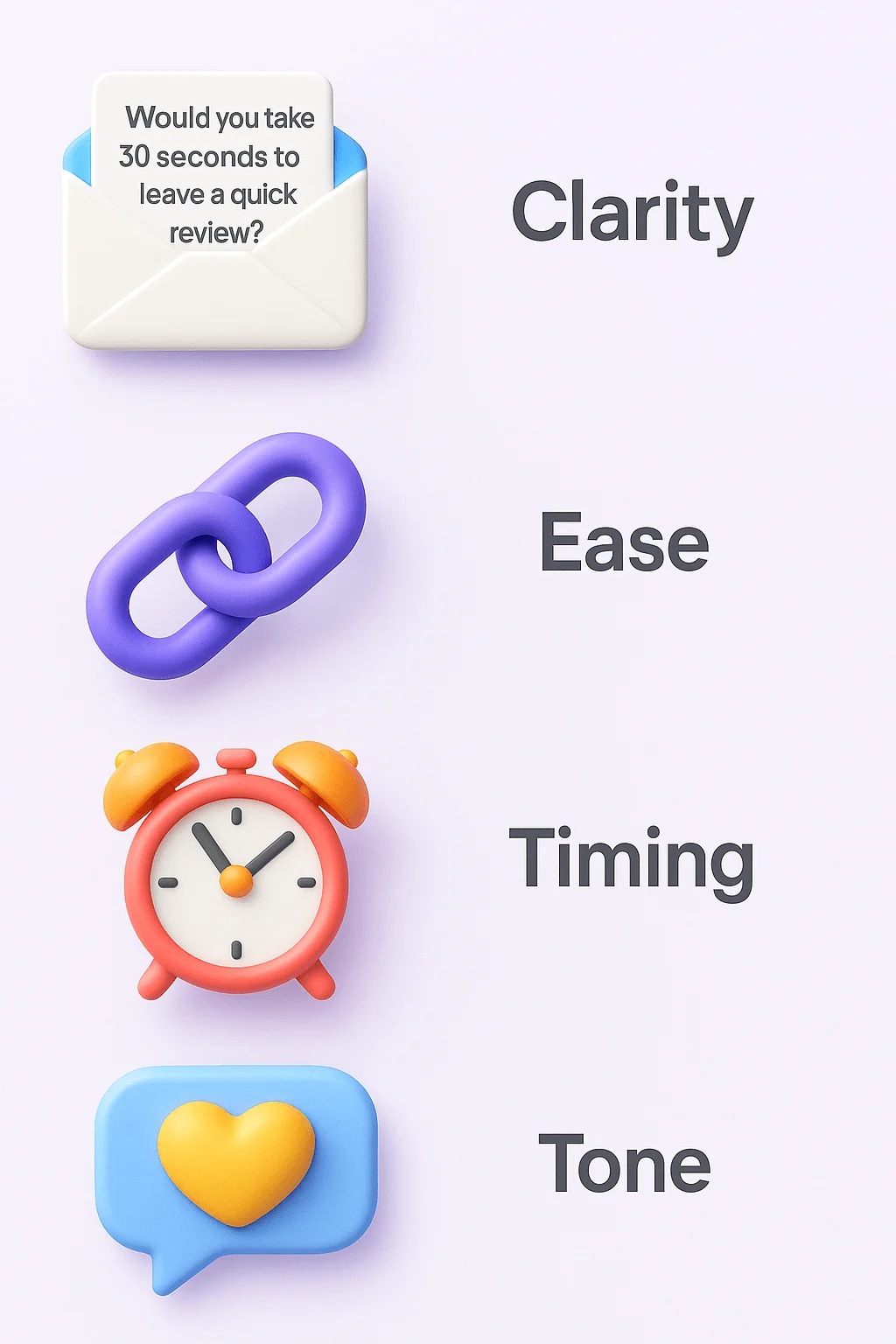
Strong Google review emails share a few non-negotiables:
- Clarity: Say exactly what you want, “Would you take 30 seconds to leave a quick review on Google?”
- Ease: Add a direct link to your Google Business profile, no extra steps.
- Timing: Ask when the customer feels happiest, typically right after a delivery, service, or issue has been resolved.
- Tone: Maintain a natural, polite, and grateful tone. Avoid sounding like a transaction.
Follow these four, and your review emails will sound human, not salesy, fostering a genuine connection with your customers.
Timing – When to ask
Ask when satisfaction peaks. That’s your moment of maximum willingness.
- Immediately after a positive experience: for service-based businesses (such as salons, clinics, and agencies).
- After purchase or delivery: for eCommerce or retail.
- After support resolution: when a customer thanks you or expresses relief.
Avoid sending review requests before the customer has had a chance to use the product or service.
That feels rushed and hurts trust.
Personalization & Tone
Use the customer’s name and mention their experience. Generic “Dear customer” messages rarely get replies.
Example:
“Hi Alex, glad to hear your order arrived on time! If you have a minute, could you share your experience on Google? It helps others choose with confidence.”
Keep it short, thankful, and conversational, like a friendly follow-up, not a campaign.
Clarity & Ease
Make the review link obvious. Use a clear button or one-line link.
Example:
Leave your Google review here →
Explain how long it’ll take (“30 seconds” works wonders).
Never bury your review link under paragraphs of text. One visible CTA is enough.
Ethical guidelines & Google policies
Google’s review policy is clear:
- Avoid offering cash, discounts, or gifts in exchange for reviews.
- Don’t write reviews for your own business.
- Don’t filter out negative reviews or only send links to happy customers.
You can encourage all feedback, but you can’t control what people post.
Focus on authentic, balanced feedback; that’s what builds trust and SEO value.

Automate your Google review Emails
Send review requests at the right time and get more responses with WiserReview’s smart automation.
Start Free →9 Proven Google review Email templates
Each template includes a context and a sample message. Add your brand tone and signature.
1. Post-purchase thank you Email
When to use: After order delivery or successful service.
Template:
Subject: Thanks for choosing us, [Name]!
Hi [First Name],
We hope you’re loving your [product/service].
Would you mind sharing your experience with us on Google? It helps us grow and also helps others find us.👉 Leave your review here
Thanks again for trusting us,
The [Company Name] Team
2. After positive feedback (Support follow-up)
When to use: After a customer praises your service via chat, email, or phone.
Template:
Subject: Glad we could help, [Name]!
Hi [Name],
Thanks for your kind words earlier. We’re happy you got the support you needed.
If you could share your experience on Google, it’d mean a lot to our team.Leave a quick review →
Appreciate your time,
[Agent Name]
3. Automated review request (After delivery confirmation)
When to use: Automatically trigger when the delivery system marks the status as “completed.”
Template:
Subject: Your order’s here — tell us how we did!
Hi [Name],
Your [Product Name] has arrived! We’d love your feedback.
Please take a moment to rate your experience on Google.Leave Review
4. Service completion follow-up
When to use: After finishing a home service, repair, or consultation.
Template:
Subject: How was your service today?
Hi [Name],
We just completed your [service]. Your feedback helps us serve you and others better.Leave your review here.
Thank you,
[Technician Name]
5. Repeat customer appreciation Email
When to use: Loyal or returning clients.
Template:
Subject: You make our day, [Name]
Hi [Name],
It’s always a pleasure serving you.
Could you take a minute to drop a quick Google review? Your voice helps new customers find us.Write a short review →
6. Event or workshop feedback Email
When to use: After hosting a live event, class, or webinar.
Template:
Subject: Thanks for joining us — can you share your thoughts?
Hi [Name],
We loved having you at [Event Name].
If you found it valuable, please share a quick review on Google. It really supports our team and future attendees.Leave Review
7. Review request with visual reminder
When to use: When you want to increase click-through with visuals.
Template:
Subject: Help others discover [Company Name]
Hi [Name],
Your opinion shapes how others see us.
Tap below to leave your quick Google review — it takes less than 30 seconds.[Button Image: “Leave Review”]
8. Follow-Up after referral
When to use: When a referred client completes their first purchase.
Template:
Subject: Thanks for joining us! One quick favor?
Hi [Name],
We’re thrilled you found us through [Referrer Name].
Would you share your first experience review on Google? It helps both of us grow.Leave Review
9. General review reminder (For newsletter or NPS campaign)
When to use: For long-term customers who have not yet reviewed.
Template:
Subject: We’d love your quick feedback
Hi [Name],
You’ve been with us for a while, and your input really matters.
Would you mind posting a quick Google review? Your comments help others make informed choices.Share Feedback
How to customize & Optimize these templates
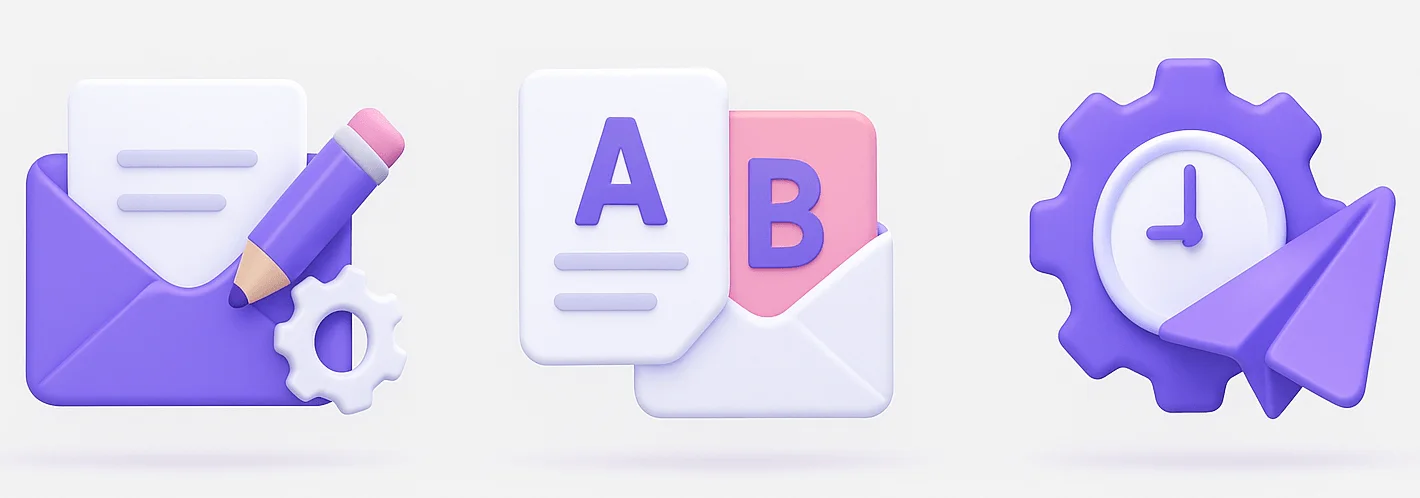
Start with the template that best suits your customer journey. Then:
- Add your brand tone: Friendly, casual, or professional, stay consistent.
- Insert your direct Google review link: You can create it easily via your Google Business profile → “Get more reviews.”
- Use segmentation: tailor copy by service type or customer persona.
- Add personalization tokens: name, purchase, agent name, etc.
- Test subject lines: shorter (under 50 characters) often perform better.
Testing & A/B variations
Run A/B tests on:
- Subject lines: “Can you share your feedback?” vs. “Your opinion helps others choose us.”
- CTA wording: “Leave Review” vs. “Share Feedback.”
- Send timing: 1 hour vs. 24 hours after delivery.
Track open, click, and submission rates in your email platform or review-management tool.
Segmentation
Don’t treat every customer the same. Segment by:
- Purchase type (service vs. product).
- Customer lifecycle stage (new, repeat, VIP).
- Sentiment (positive support ticket vs. neutral feedback).
Personalized review requests consistently outperform generic blasts.
Automation & Trigger workflows
Use email automation in tools like HubSpot, Klaviyo, or WiserReview.
Typical trigger flows:
- Order delivered → wait 24 hrs → send review email
- Support ticket closed → send satisfaction + review email
- Event ended → send “thank you + review” message
Automation keeps consistency without manual follow-ups.
WiserReview – Get more Google reviews with review request email
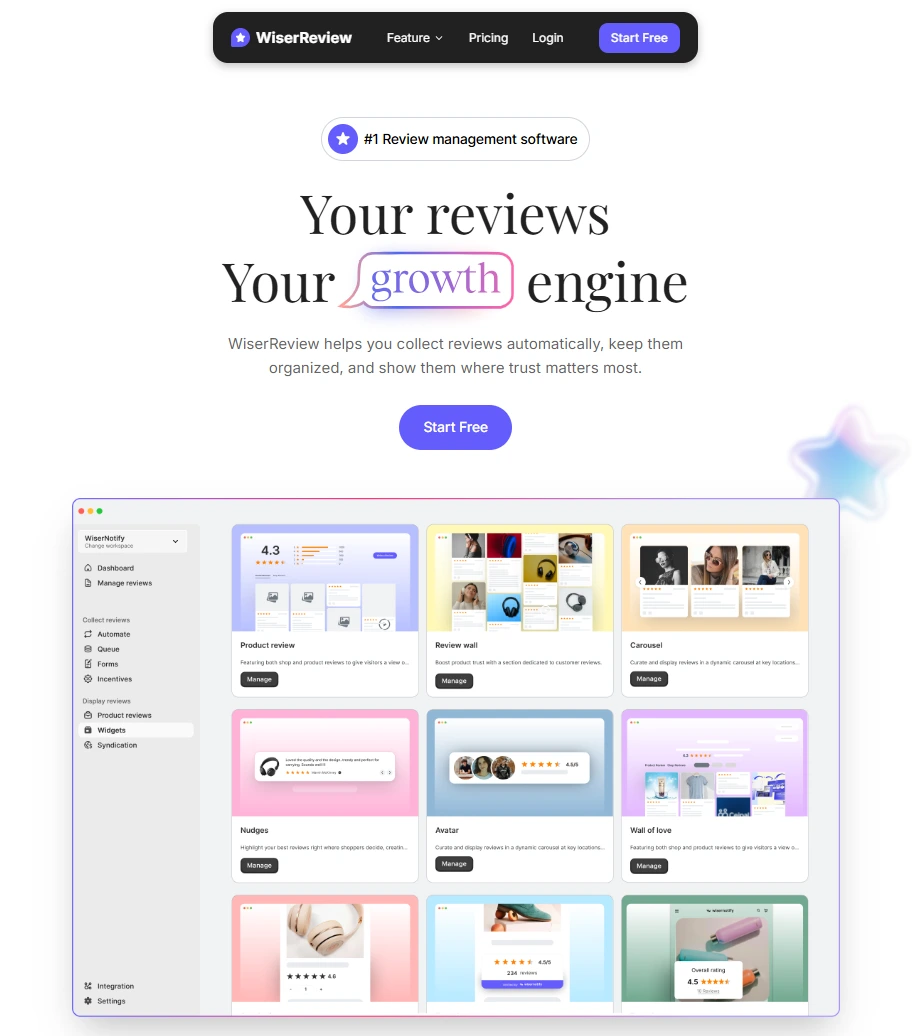
WiserReview simplifies everything above.
It lets you:
- Send automated review request emails after purchase, service, or chat interactions.
- Include direct Google review links pre-filled for your business.
- Segment audiences (new, repeat, or location-based).
- Track responses and analytics in one dashboard.
You can also collect reviews via SMS, WhatsApp, or QR codes, making them ideal for in-store or field service businesses.
If you’re serious about scaling your Google reputation, WiserReview is the most efficient way to automate it without losing that personal touch.
Automate your Google review Emails
Send review requests at the right time and get more responses with WiserReview’s smart automation.
Start Free →5 Common mistakes & how to avoid them
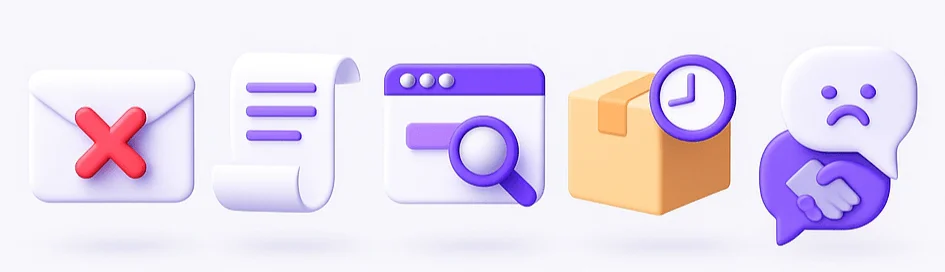
Remember not to make these mistakes when asking for Google reviews.
1. Being too pushy or demanding
Don’t guilt customers. Ask politely and explain why their feedback matters.
Example: “Your review helps us improve and helps others choose confidently.”
2. Long, rambling Emails
Keep it under 100 words. The simpler your ask, the higher your conversion rate.
3. Not making the review link obvious
Put your link or button near the top. Avoid sending users hunting for it.
4. Asking before the customer sees value
Never send the email before they’ve had a chance to experience your product. Wait until satisfaction is clear.
5. Ignoring negative feedback
If a review isn’t glowing, respond professionally. Show gratitude, acknowledge the issue, and offer to resolve it.
That reply matters as much as the review itself.
Wrap up
Google reviews drive clicks, trust, and local SEO rankings. But people won’t leave them unless you ask, clearly, politely, and at the right moment.
Use these nine email templates as your starting point, test variations, and automate the flow.
And if you want to skip the manual work, let WiserReview handle your review requests and tracking for you.
Ready to grow your Google rating?
Start sending your first review emails today.
Frequently asked questions
Keep your email short, polite, and personal. Thank the customer, explain that their feedback helps your business, and include a direct link to your Google review page.
Send the request 1–3 days after the customer’s purchase or service. This timing keeps the experience fresh and increases the chance of a positive review.
Yes. Tools like WiserReview let you automate review requests through email or WhatsApp based on order status or delivery confirmation.
Send one reminder if the first email goes unanswered. Avoid sending more than two total messages, as it may feel pushy.
No. Google’s policy strictly prohibits offering discounts, gifts, or rewards in exchange for reviews. Always request honest feedback only.

Krunal