5 min
5 min 
Knowing how to ask for Google reviews is important for every business owner.
Customers check a Google Business Profile and Google Maps before they make a decision, and online reviews often guide them.
More Google reviews improve local SEO, build trust, and help potential customers feel confident about choosing your business.
Positive reviews highlight great service and happy customers, while negative reviews or feedback show where you can improve.
Both good reviews and bad reviews create social proof and help other buyers make informed decisions.
In this guide, you’ll learn:
- Simple ways to request reviews
- Share a Google review link or QR code
- Using email and social media to collect more reviews
- Proven strategies to build stronger customer relationships
Why is asking for Google reviews important?
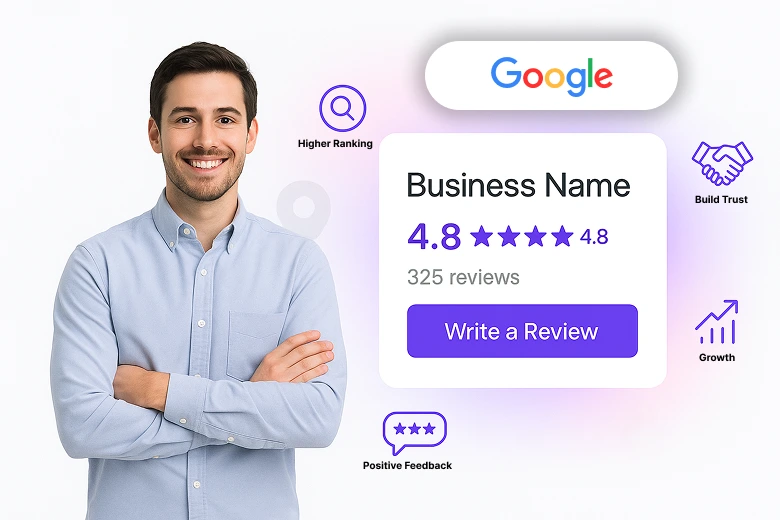
Asking for reviews is important because consumers trust online reviews and shape how they see your business.
When people search on Google Maps or check your Google Business Profile, they often decide based on the number of reviews and the overall rating.
- More Google reviews improve local SEO and help your business appear higher in search results.
- Positive reviews show a happy consumer and excellent service.
- Low-star reviews, when handled well, show that feedback matters and that you value the purchaser experience.
- A steady stream of recent reviews creates social proof and helps new shoppers feel confident about choosing your business.
- For local businesses, reviews strengthen consumer connections and bring in more leads.
As a business owner, making review requests part of your process ensures you keep getting feedback simply and easily.
Even a few minutes from each customer can turn into powerful proof that your business delivers good results.
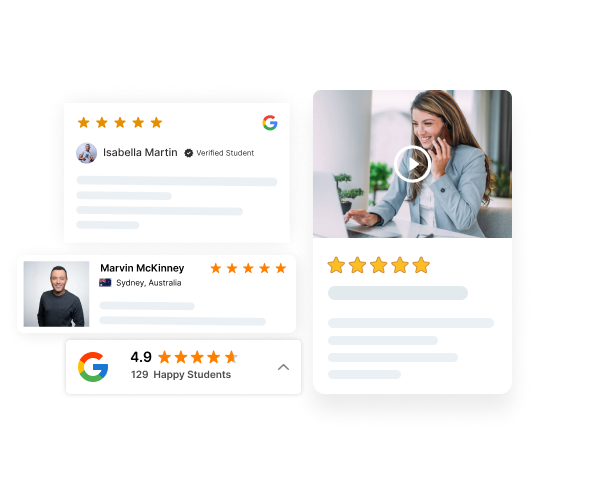
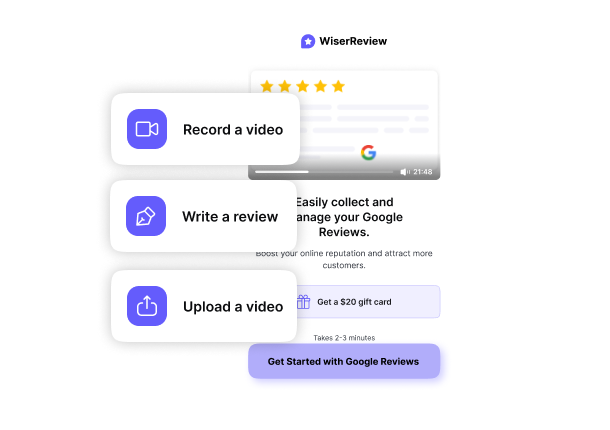

All-in-one Google review tool
Collect, reply, and display reviews with ease. Send requests by link, email, or QR code and show reviews on your site with widgets.
Best ways to ask for Google reviews that work
Asking for reviews works best when the process is clear and easy for customers.
Below are the most effective ways businesses can collect more reviews.
1. Share a direct Google review link
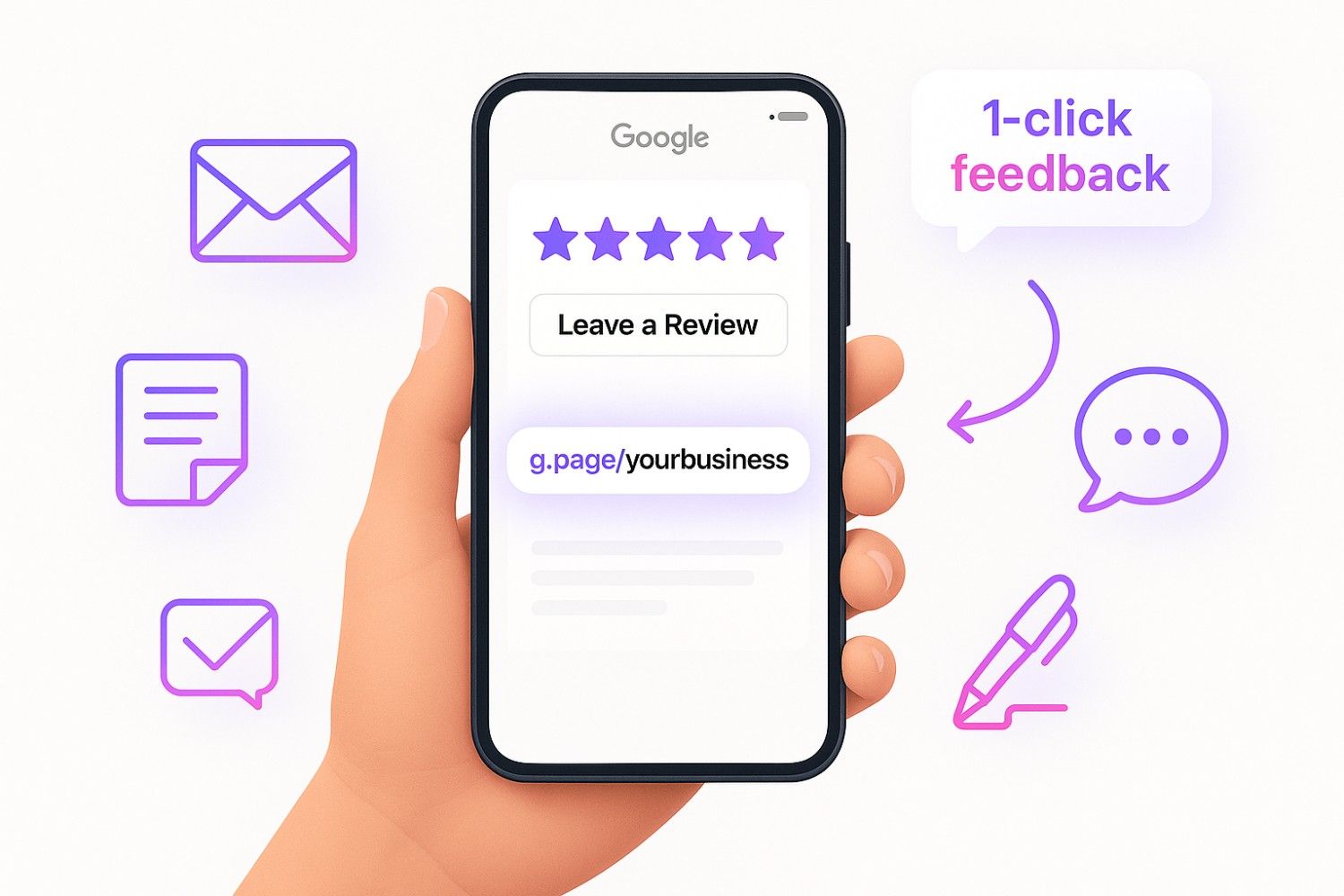
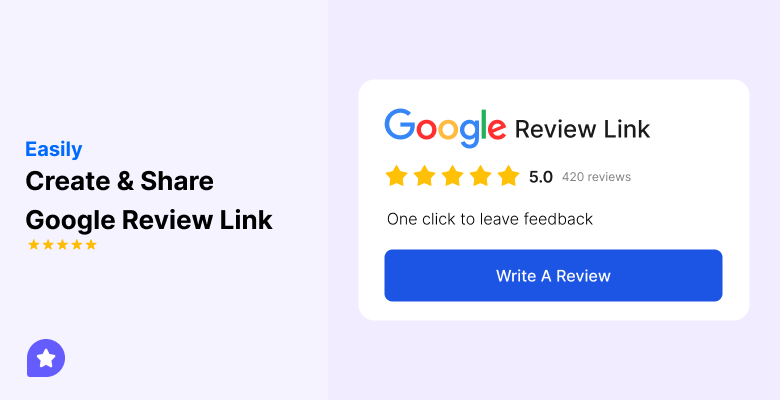
The easiest way to collect Google reviews is by sharing a direct link. You can create this link from your Google Business Profile or Google Review link generator and give it to visitors after they use your service or buy your product. Add the link in:
- Company emails or newsletters
- Email signatures
- Follow-up messages
When a user can click once and land directly on your review page, they are more likely to leave feedback. This small step can increase trust.
2. Use QR codes for quick reviews
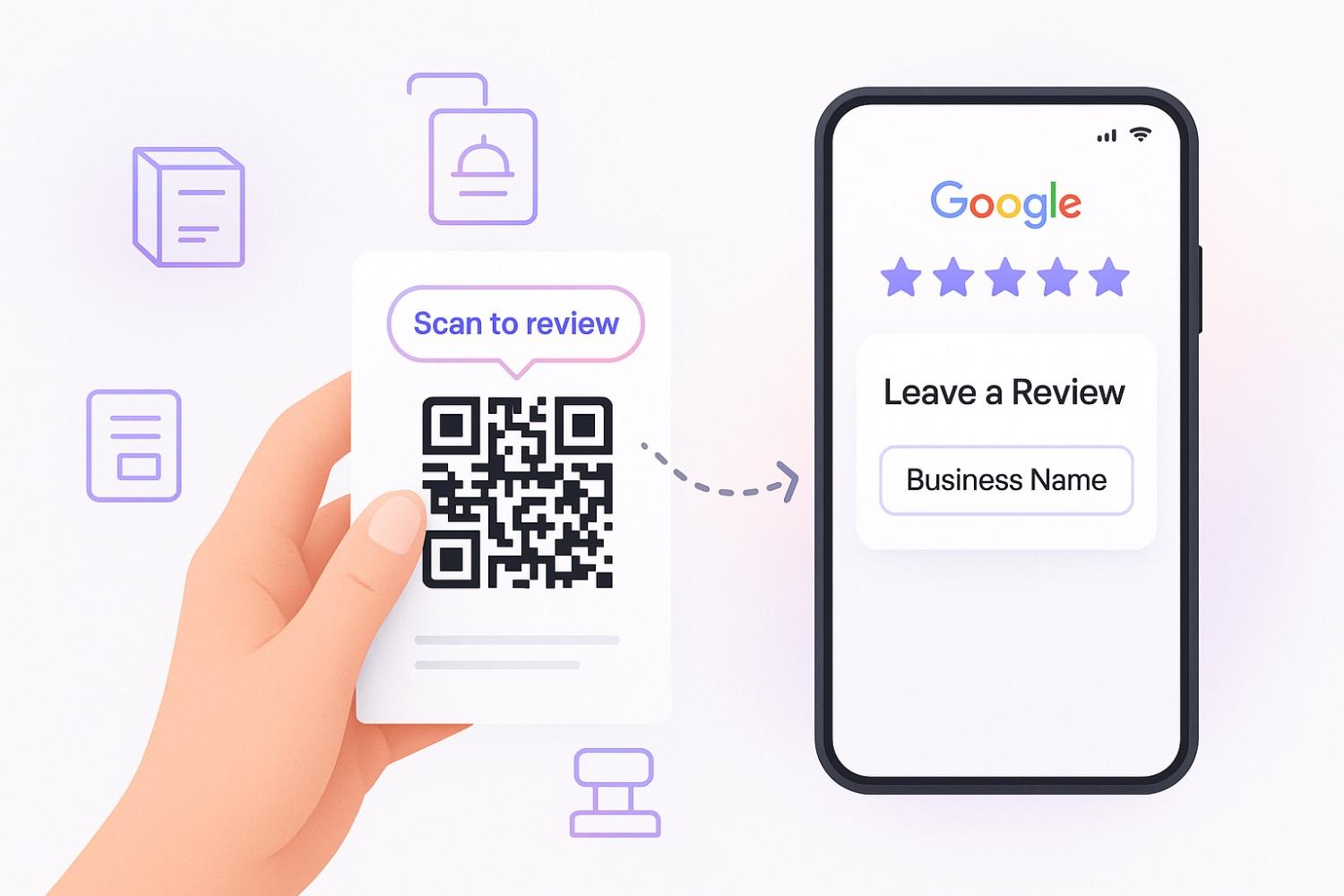
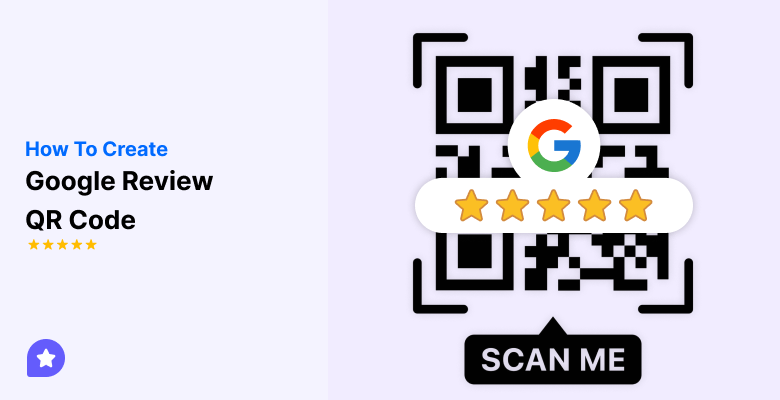
QR codes give potential customers a quick review option without typing a web address. Use this Google Review QR code generator to create your own QR code.
Place the code on product packaging, menus, flyers, or checkout counters. Many businesses also use QR codes on receipts and posters inside their stores.
When users scan the code, they go straight to your Google review page, which saves time and removes barriers.
This works well for local businesses where consumers interact face-to-face.
3. Ask through email and SMS
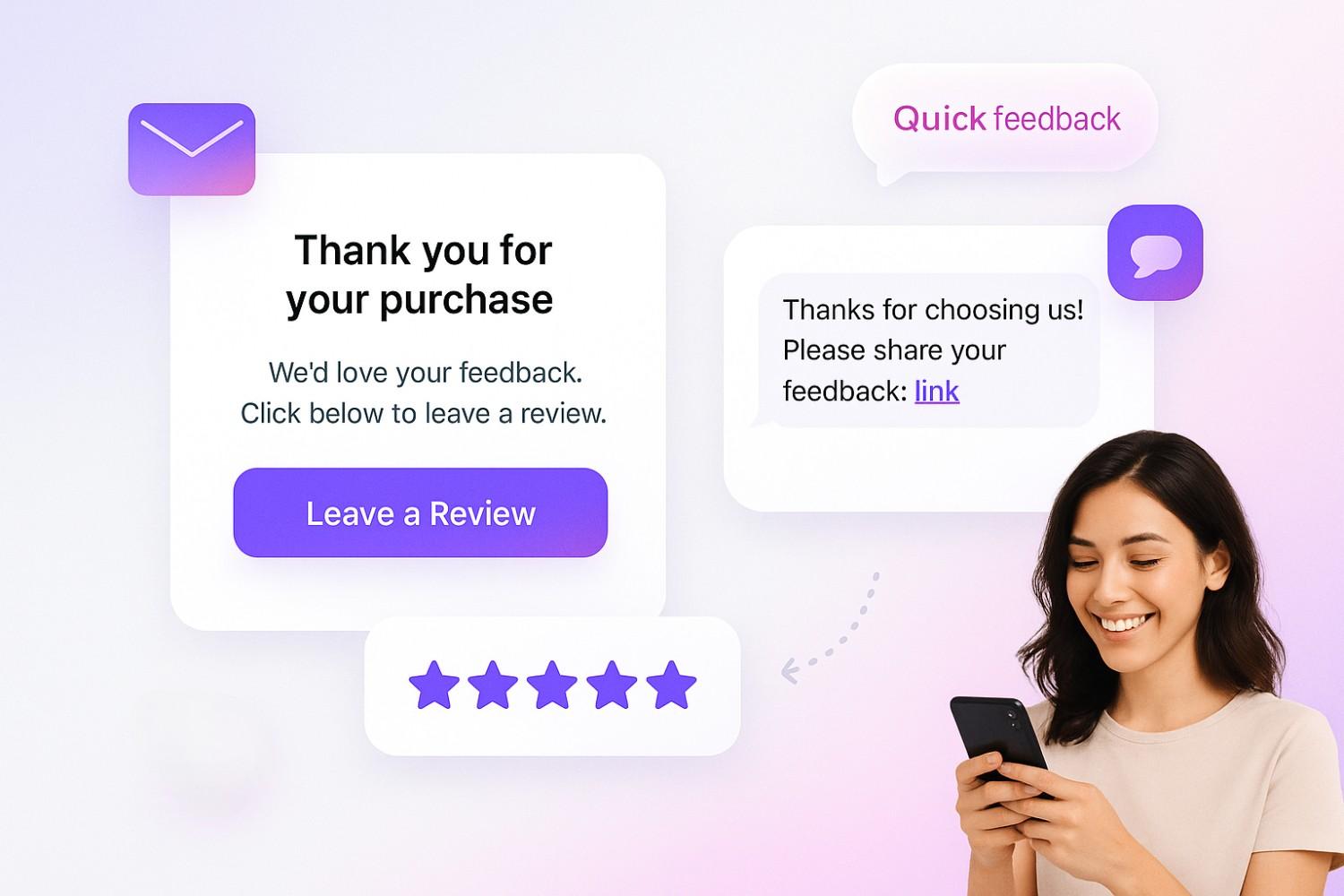
Sending review requests through email and SMS is one of the most reliable ways to get feedback.
Keep messages short, include your review link, and explain that feedback matters.
A polite thank-you followed by a direct link often encourages customers to respond.
For example:
- A small business can add review requests to thank-you emails.
- A service company can send SMS after completing a job.
Both formats reach buyers quickly and help you build more reviews over time.
4. Ask in person at the right moment

Timing is important. If a shopper shares excellent feedback about your service or product, that’s the best time to ask them to leave a review.
This could be right after a meal at a restaurant, after a successful appointment, or when a client says they are happy with the result.
Asking in person feels personal and direct. Customers who are already satisfied often leave great reviews immediately.
5. Ask on social media platforms
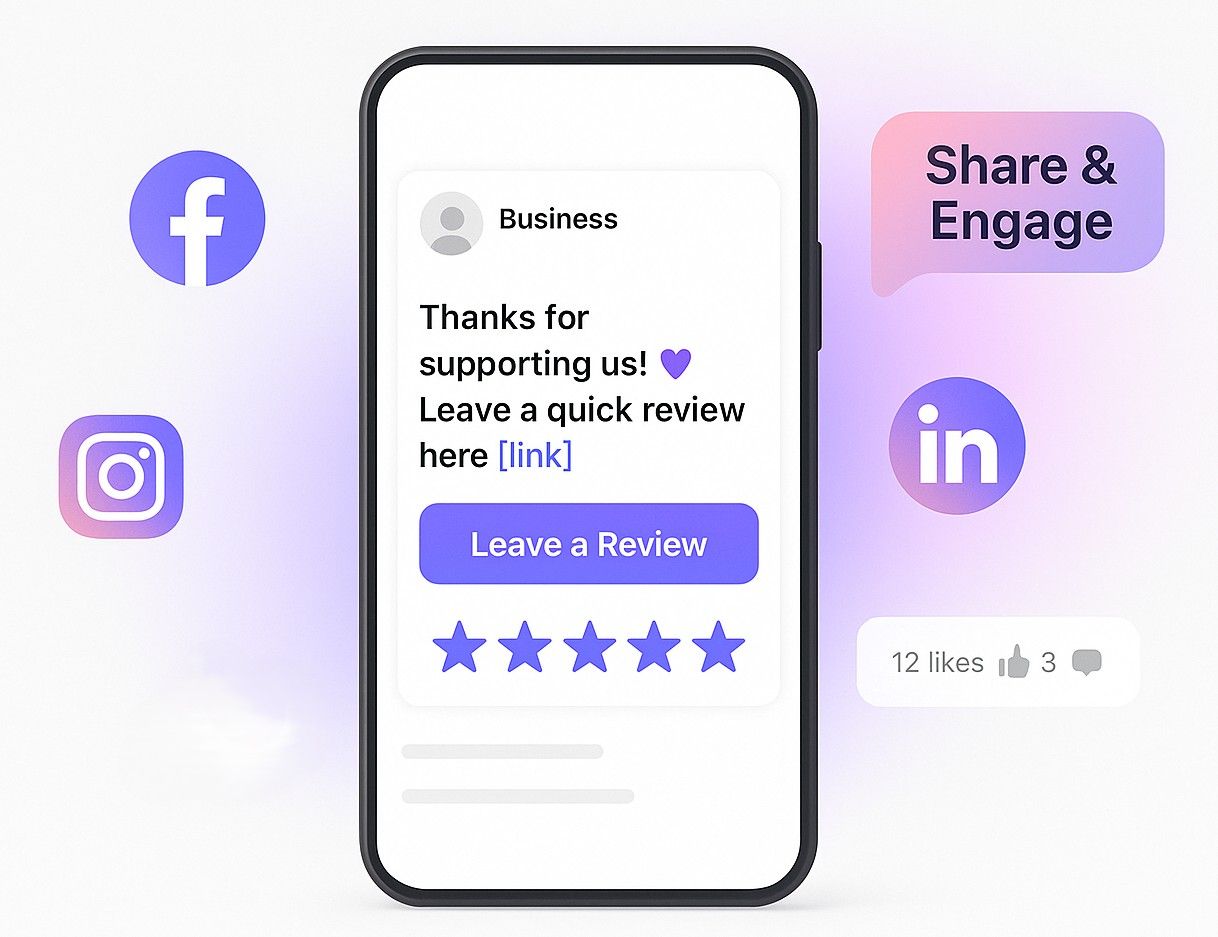
Social media is another simple way to collect more reviews.
Share your review link on platforms like Facebook, Instagram, or LinkedIn. You can post a thank-you message to your community and invite them to leave feedback.
This method works because customers already engage with your content.
A gentle reminder on social media can create more visibility and keep a steady flow of authentic reviews.

All-in-one Google review tool
Collect, reply, and display reviews with ease. Send requests by link, email, or SMS and show reviews on your site with widgets.
Start Free →6. Use receipts, invoices, or thank-you pages
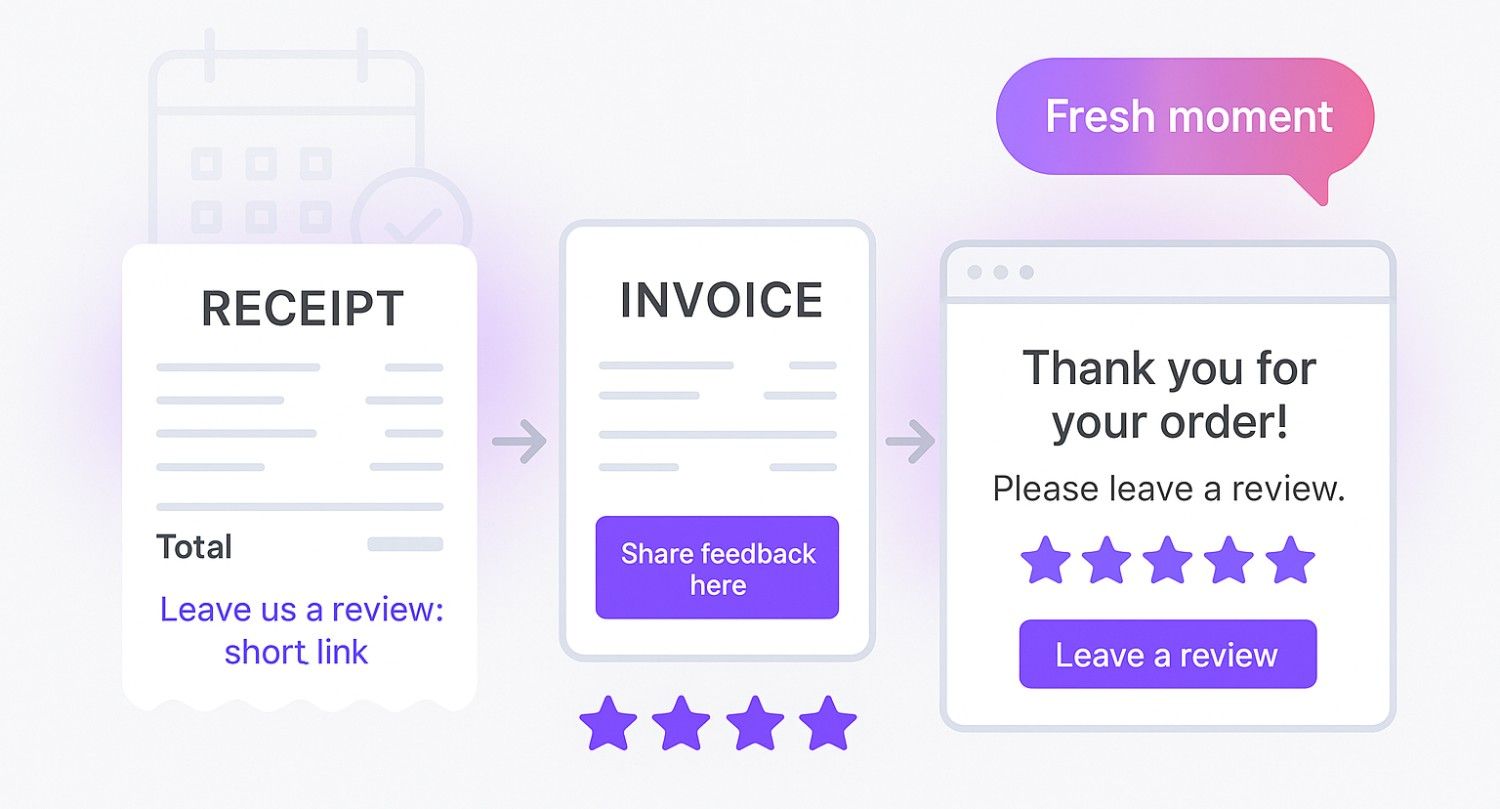
Customers often pay attention to receipts, invoices, and order confirmations.
Adding your review link in these places helps you reach them when the service is still fresh.
You can also place review links on your website’s thank-you page after checkout.
This makes it simple for customers to leave reviews without extra steps. Many businesses rely on this approach to keep reviews coming in regularly.
Template for Google review requests you can use
Here are practical templates you can use across email, SMS, and social media to collect more Google reviews:
Email template
Subject: Share your feedback with us Hi [Customer Name], Thank you for choosing [Business Name]. We hope you had a great experience with our [product/service]. Could you take a few minutes to leave a Google review? Your feedback helps other guests make informed decisions. 👉 [Insert Review Link] We appreciate your time and look forward to reading your review. — [Your Business Name]
SMS template
Hi [Customer Name], thanks for choosing [Business Name]. Could you leave us a quick review on Google? Your feedback helps us improve and reach more happy customers. 👉 [Insert Review Link]
Social media template
We love hearing from our customers! If you’ve had a great experience with [Business Name], please leave us a Google review. Your positive feedback helps us serve more customers and improve our services. 👉 [Insert Review Link]
Posting this on platforms like Facebook or Instagram helps build social proof and reminds existing customers to share their thoughts.
Thank-you page template
“Thanks for your order! We’d love to hear your feedback. Please leave us a quick Google review. It only takes a minute and helps us improve.” 👉 [Insert Review Link]
This works well because customers see it right after a purchase, when their experience is fresh.
Once you’ve sent the review request, use a Google review calculator to track how many more reviews you need to hit your desired rating and improve your local SEO.
How to respond to reviews once you get them
Getting Google reviews is the first step. How you reply positively shows customers their feedback matters.
Both positive and poor reviews deserve a reply because each one builds trust and shapes your reputation.
Responding to positive reviews
- Thank the customer by name when possible.
- Mention the product, service, or experience they praised.
- Keep the reply short and friendly.
Example:
“Thank you, [Name], for your Google review. We’re glad you enjoyed your experience with [product/service]. Your feedback helps us.”
Responding to negative reviews
- Stay calm and professional.
- Acknowledge the problem and show you value their feedback.
- Offer to solve the issue offline by giving contact details.
Example:
“We’re sorry to hear about your experience, [Name]. Your feedback matters, and we’d like to make it right. Please contact us at [email/phone] so we can resolve this quickly.”
WiserReview – #1 Tool to ask and manage Google reviews
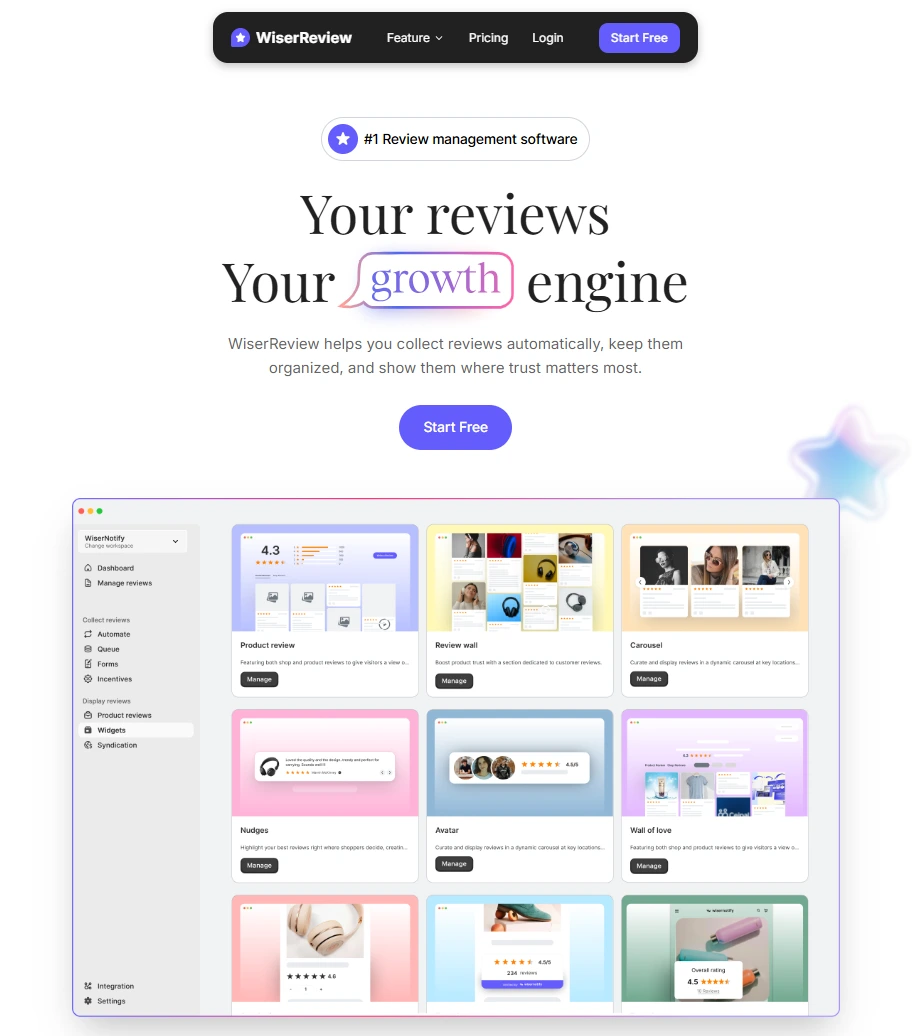
WiserReview is the best Google review platform. It is built to help every business owner collect, display the right feedback, and respond to Google reviews with ease.
Instead of relying on different tools, you can handle everything from review requests to responses in one simple dashboard.
This saves time, improves user trust, and creates stronger social proof for your business.
Key features of WiserReview:
1. Send review requests in multiple ways
- Share a direct Google review link by email, SMS, or WhatsApp.
- Generate QR codes for receipts, product packaging, or store displays.
- Add review requests to email signatures and thank-you pages.
2. Centralized review management
- Manage all your online reviews from Google, Facebook, and other platforms in one place.
- Monitor good reviews and bad ratings in real time.
- Use smart filters to track new reviews or spot issues quickly.
3. Customizable templates
- Use ready-to-send email templates and SMS text formats.
- Personalize review requests with your company name and tone.
- Make the process easy for customers while keeping it professional.
4. Automated review collection
- Set up a steady stream of review requests after a purchase or service.
- Schedule reminders to help customers remember to leave reviews.
- Reduce manual work and keep new reviews coming without extra effort.
5. Respond to reviews quickly
- Get alerts for new Google reviews so you can reply fast.
- Use suggested response templates to save time.
- Handle negative feedback with a polite reply and protect your business reputation.
6. Review display widgets
- Show your positive reviews on your website with Google review widgets like carousels, review walls, and pop-ups.
- Highlight trust signals to build trust and boost conversions.
- Match widgets to your brand colors and design for a seamless look.
All-in-one Google review tool
Collect, reply, and display reviews with ease. Send requests by link, email, or SMS and show reviews on your site with widgets.
Start Free →Mistakes to avoid when asking for reviews
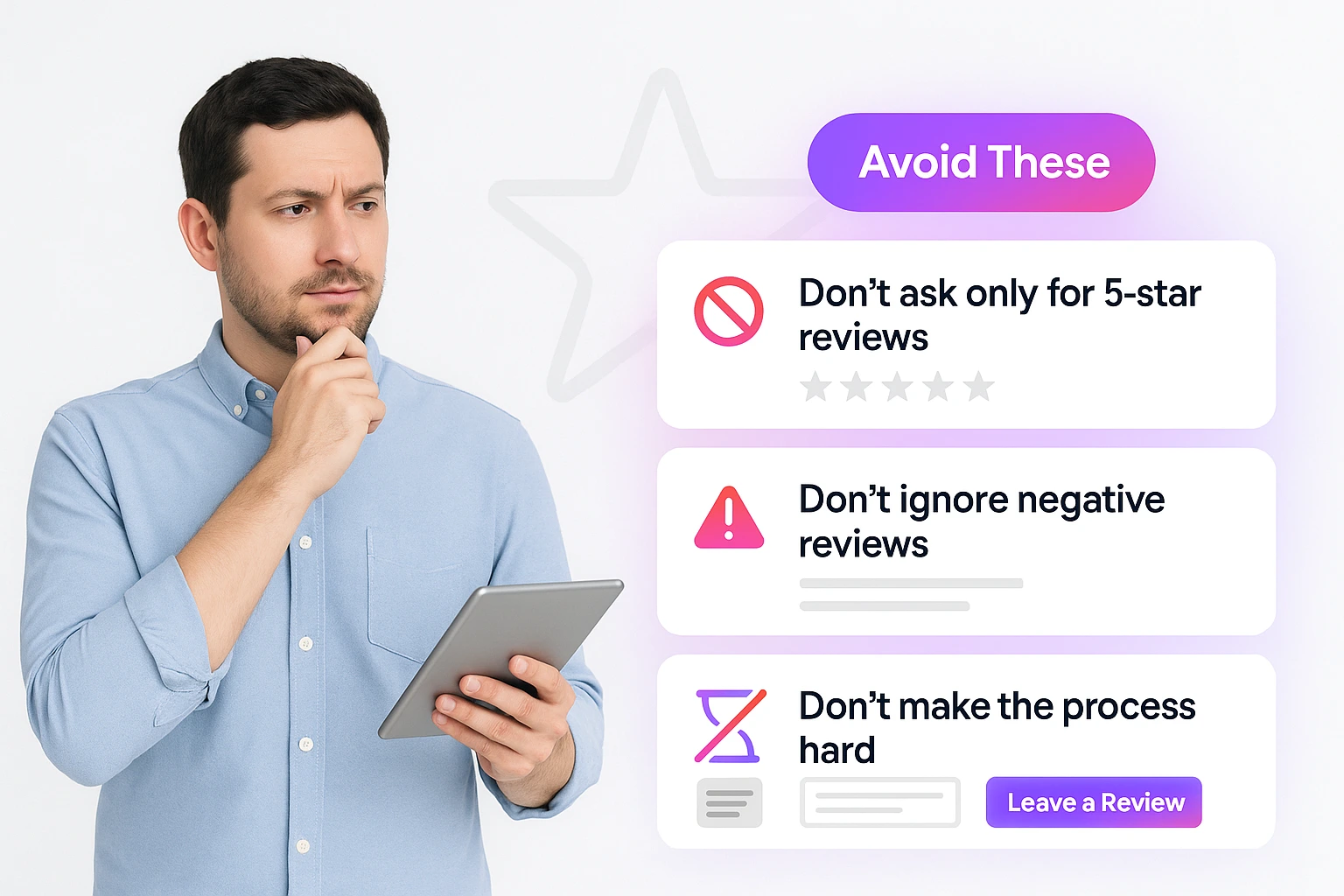
Asking for Google reviews helps your business grow, but doing it the wrong way can hurt customer trust.
Here are the common mistakes every business owner should avoid:
1. Asking only for 5-star reviews
Telling customers to leave only 5-star reviews feels forced and less honest.
People trust real Google reviews, which include both positive and negative feedback.
When you ask for reviews, customers see your business as open and genuine.
2. Ignoring negative reviews
Some businesses avoid replying to unfavorable reviews, but that’s a mistake.
A polite response shows you care about customer experience and are willing to improve.
Even if the review is negative, future customers notice your reply.
3. Making the process hard
If leaving a review takes too long, most customers won’t finish it.
Always share a simple Google review link or add a QR code on receipts, emails, or thank-you pages.
When the process takes just a short time, more customers will leave fresh reviews.
Conclusion
Asking for Google reviews helps every local business grow.
Buyers read reviews on your Google Business Profile and Google Maps before making a decision.
Make it easy for customers to leave reviews. Share a review link, use QR codes, or send a short request by email or social media.
Reply to both positive and negative reviews to show customers that their feedback matters.
A tool like WiserReview helps you send review requests, manage all your reviews, and show reviews on your website. This saves time and brings in more sales.
The process is simple: ask for reviews the right way, keep it easy, and reply to every review.
Frequently asked questions
You can copy the link from your business profile on Google. Share it in emails, text messages, QR codes, or on social media. You can also add it to receipts or thank-you pages.
Yes. New reviews help your business show higher on Google search and maps. Good reviews build trust, and even bad reviews can help if you reply politely.
Ask right after someone has used your product or service. If they say they are happy, send them the link while the experience is fresh.
Yes. Thank people for good reviews and answer poor reviews calmly. This shows you listen and care about feedback.
No. Google does not allow discounts, gifts, or money for reviews. The best way is to ask for reviews simply and easily.

Krunal