5 min
5 min 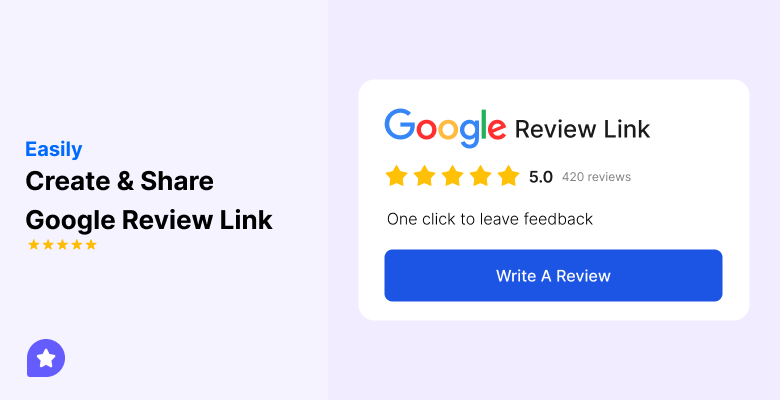
A Google review link is the easiest way to get more reviews.
It takes customers straight to your Google reviews page, allowing them to leave feedback without searching for your business on Google Maps or Google Search.
Using a direct link from your Google Business Profile helps you collect more positive reviews, improve your local search rankings, and build consumer trust.
You can share this link in emails, SMS, QR codes, or on your website to reach more customers and make leaving reviews quick and simple.
In this guide, you’ll learn how to:
- How to create a Google business review link step by step
- How to share it across different channels to collect more valuable feedback.
Let’s get started!
What is a Google review link?

A Google review link is a simple URL that opens the review form of your Google Business Profile.
Customers don’t need to search for your business listing; the link takes them straight to the page where they can leave feedback.
It helps businesses collect reviews quickly and makes the review process easy on mobile devices and desktops.
By sharing this link, you give customers direct access to leave valuable reviews, which supports better local search rankings and builds consumer trust.
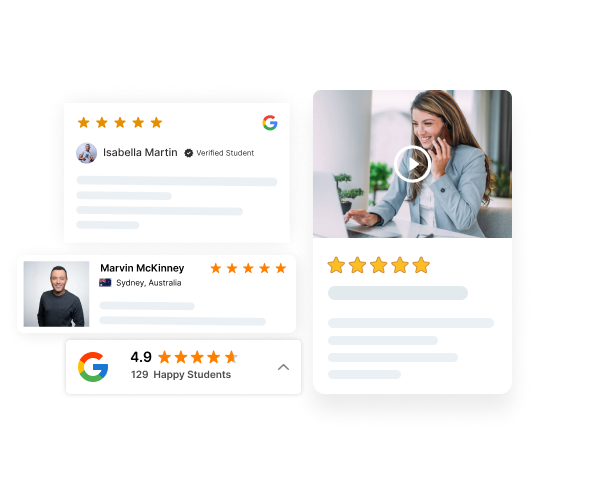
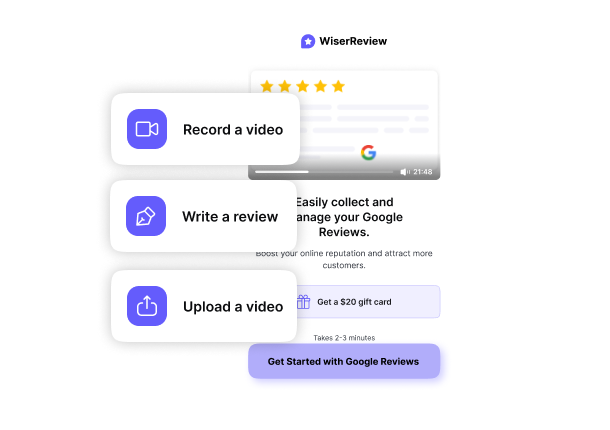

Collect Google reviews effortlessly
Share links, QR codes, or automated requests through email, SMS, or WhatsApp to get fresh reviews every day.
Benefits of sharing your Google review link
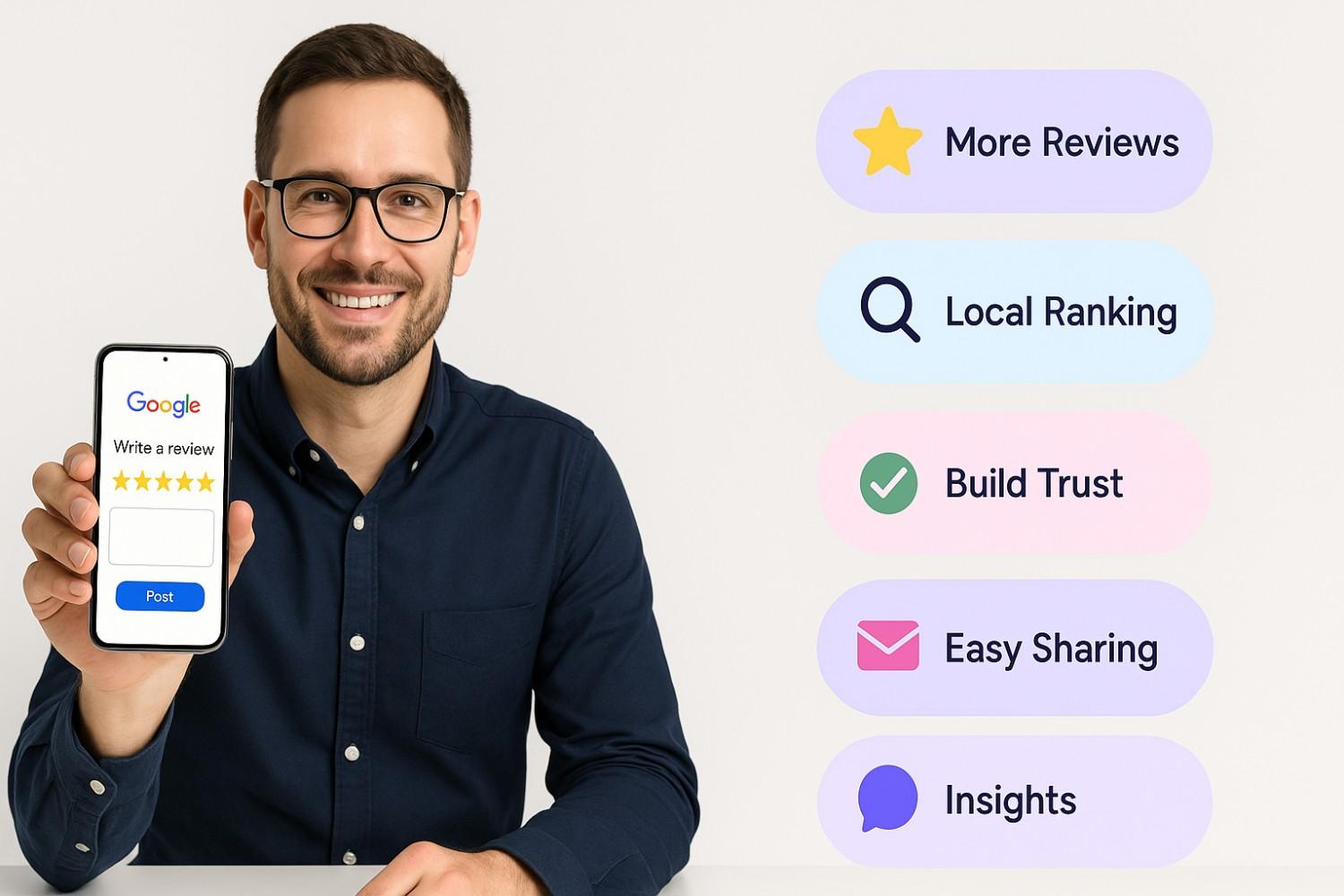
Sharing your Google review link makes it easy for customers to leave feedback and helps your business grow.
A direct link saves time for customers, increases the number of positive reviews, and strengthens your online reputation.
Here are the key benefits:
- More reviews: Make it easy for customers to leave feedback with one click.
- Better local search rankings: Fresh reviews improve your local SEO and help your business listing show higher in Google results.
- Stronger consumer trust: Positive reviews act as social proof and influence buying decisions.
- Easy sharing: Add the link to your email signature, QR codes, or follow-up emails to reach more people.
- Valuable insights: Reviews give honest feedback that helps improve the customer experience.
Statistics that prove its value:
- Around 88% of customers read Google reviews before choosing a business.
- Businesses that reply to reviews can see 15–20% more conversions and up to an 18% increase in revenue.
How to create a Google review link (step-by-step)
Here’s how you can create it step by step:
Google Review link generator
- Go to the Google Review link generator.
- Enter your business name or profile URL.
- Your link will be generated. Click “Copy” to save it.
Google Business Profile method
Step 1: Sign in to Google Business Profile
Log in to your Google Business Profile Manager using the Gmail account associated with your business.
If you don’t have your business verified yet, you’ll need to complete that process first.
Step 2: Search for your business
Type your business name in the Google Search bar or on Google Maps.
Make sure you’re signed in with the correct account so the management panel shows up.
Step 3: Open the “Ask for Reviews” option
On the Google Business Profile dashboard, look for the section that says “Get reviews” or “Ask for reviews.”
This works like a built-in Google review link generator that creates a direct link for your customers.
Step 4: Copy your unique review link
Click on the button, and Google will generate a unique review link for your business.
This link goes directly to your review page, where customers can give reviews, share honest feedback, or report negative experiences.
After getting the link, share it with Customers to leave reviews.
Where to share your Google review link
Creating a Google review link is just the start. To get reviews, you need to share them in places where your customers naturally connect with your business.
Below are the best channels to use, with tips for each.
1. Email Signature
Adding the review link to your email signature ensures every message you send becomes a chance to request reviews.
It’s a subtle reminder without needing extra effort.
- Place it under your name and contact info
- Use a short call-to-action like “Happy with our service? Leave us a review.”
- Keep the link clean, or use a short URL
2. Follow-Up Emails and SMS
Right after a purchase or service is the best time to ask for reviews.
Customers still remember their experience and are more likely to leave positive feedback.
- Send the link within 24–48 hours
- Keep the message short and polite, e.g., “Thanks for visiting us! Share your feedback here.”
- Personalize with the customer’s name when possible
3. Website and Review Section
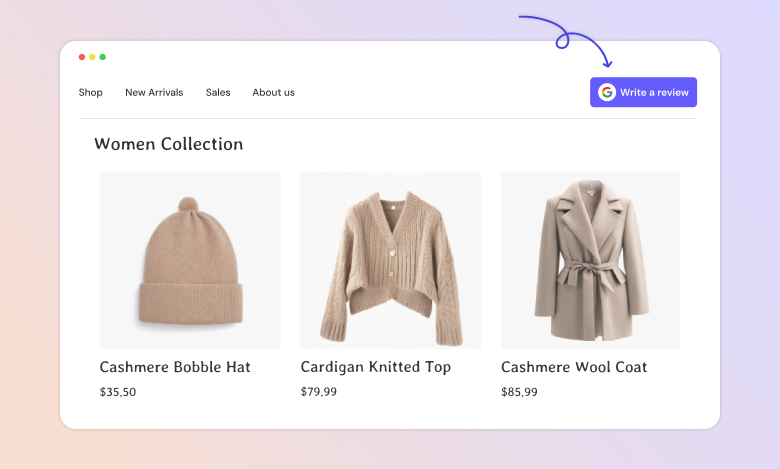
Your website is often the first place potential customers look.
Adding your Google review link here makes it easy for visitors to share feedback.
- Place a button on your homepage or footer
- Add it to a dedicated review section
- Use clear wording like “Share your feedback on Google.”
4. QR Codes for Offline Use
Turning your review link into a QR code helps reach customers in-store or on the go.
It works well for restaurants, retail shops, and service providers.
- Print on receipts, menus, or posters
- Display at checkout counters or waiting areas
- Test the QR code on different mobile devices
5. Social Media Platforms
Social media is where many businesses connect daily with their customers.
Posting your review link here encourages quick responses.
- Share it in a pinned post or story
- Use direct messages for loyal customers
- Add it to your profile bio or about section

Collect Google reviews effortlessly
Share links, QR codes, or automated requests through email, SMS, or WhatsApp to get fresh reviews every day.
Start Free →6. Marketing Materials
Printed materials can also drive reviews when you add your Google review link or QR code.
Customers can scan or type in the link at their convenience.
- Include it in brochures, flyers, and posters
- Print it on business cards
- Add it to packaging or invoices
7. Customer Support Conversations
When your team resolves an issue or receives a compliment, it’s a great time to ask for a review.
The customer is already engaged and more willing to share feedback.
- End the conversation with, “We’d love your feedback. Here’s the link.”
- Use it in both live chats and phone support follow-ups.
WiserReview – #1 Google review management software
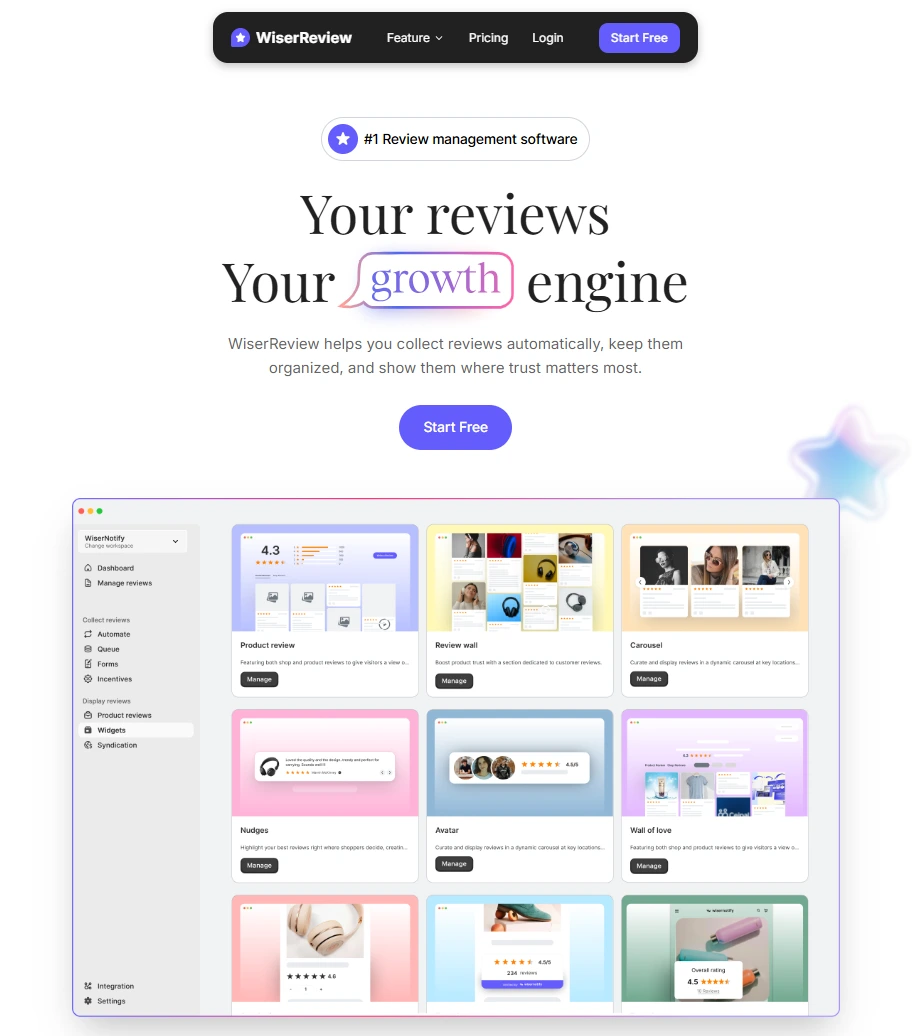
WiserReview makes it easy for businesses to collect, manage, and display Google reviews from one simple dashboard.
It combines automation, customization, and AI-driven tools so you can grow faster while improving your online reputation.
Collect reviews effortlessly

WiserReview gives businesses multiple ways to collect reviews from customers.
Instead of waiting for people to search your Google Business Profile, you can directly share a Google review link generator URL, forms, or QR codes.
- Automated review requests via email, SMS, or WhatsApp.
- Custom review forms to capture text, photo, or video reviews.
- QR codes for offline collection at stores, events, or service locations.
- Smart reminders to boost response rates and get more reviews.
This helps you consistently generate fresh reviews and improve local SEO rankings.
Manage reviews in one place

The platform centralizes all your Google reviews and feedback so you never miss an update.
From replying quickly to spotting spammy reviews, everything is streamlined.
- Manage reviews directly from the dashboard.
- Real-time alerts for new reviews.
- AI moderation to detect spam and highlight important customer feedback.
- Pre-built response templates for faster replies.
This ensures you stay on top of both positive and negative reviews while protecting your brand image.
Display reviews to boost trust
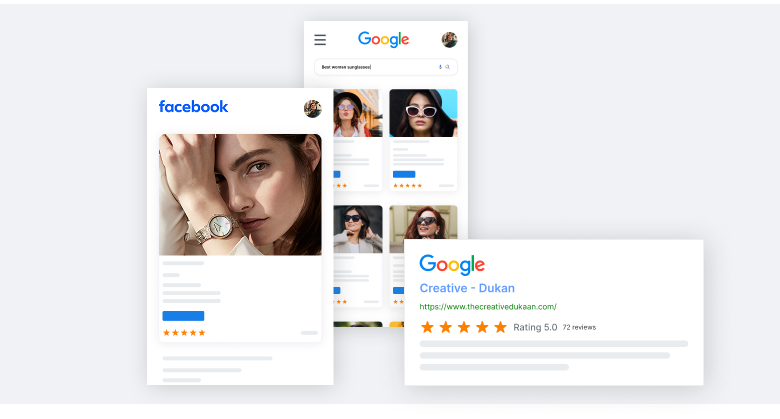
WiserReview makes it simple to show reviews across your website.
- Widgets: You can use 10+ Google review widgets like carousels, sliders, grids, and walls.
- Integration with websites, landing pages, and eCommerce stores.
- Rich snippets to improve search results with five-star ratings.
- UGC (User-Generated Content) displays text, photos, and video reviews.
This helps attract customers, increase clicks from Google Search and Google Maps, and influence buying decisions.
Advanced features that drive growth
Beyond collecting, managing, and displaying, WiserReview includes smart features to support growth.
Extra features:
- Multi-location support for agencies and franchise businesses.
- In-depth analytics to track review performance and customer trends.
- Easy sharing of reviews on Facebook, Instagram, and other social channels.
- Customizable designs so widgets fit perfectly with your brand’s look.
3 Common mistakes to avoid with Google review links
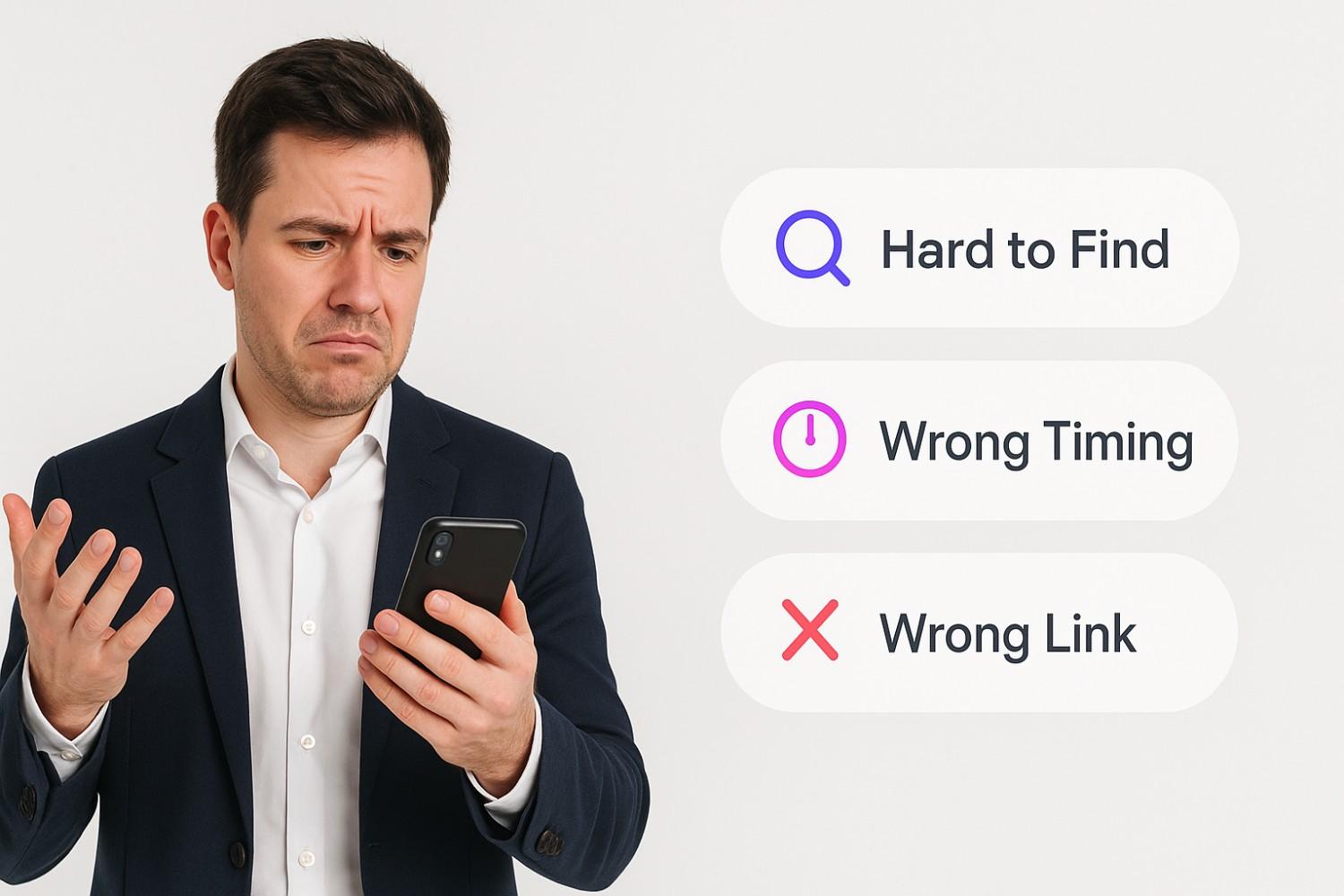
Here are the most common mistakes businesses should avoid:
1. Making the link hard to find
If customers can’t see your Google review link right away, most won’t take the extra step to look for it.
Hiding it inside menus, long emails, or less visible spots makes the process frustrating.
A hard-to-find link means fewer reviews and missed chances to build trust.
2. Asking at the wrong time
Timing matters when you ask for reviews.
Asking before the customer has used your service or waiting too long after the experience often leads to fewer or weaker responses.
Poor timing makes customers less likely to share useful feedback.
3. Sharing the wrong link
Sending customers to the wrong page, like your Google Maps listing instead of the direct review form, creates confusion.
If people need extra clicks to leave feedback, many will drop off.
A wrong link hurts your chances of getting reviews.
Conclusion
Getting reviews doesn’t have to be hard. A unique Google review link gives your customers direct access to share their thoughts in seconds.
When you share this link through the proper channels, you remove friction and make it easy for people to leave reviews.
Consistent sharing leads to more reviews, stronger visibility on Google, and greater trust from potential customers.
Keep the process clear, avoid common mistakes, and let your happy customers do the talking for your business growth.
Collect Google reviews effortlessly
Share links, QR codes, or automated requests through email, SMS, or WhatsApp to get fresh reviews every day.
Start Free →Frequently asked questions
You can create a Google review link by signing in to your Google Business Profile, opening the “Ask for Reviews” option, and copying the unique link. This direct link takes customers straight to your Google reviews page.
Sharing your review link makes it easier for customers to leave feedback. More reviews improve your online reputation, support local SEO, and help potential customers trust your business.
You can share your link in email signatures, follow-up emails, QR codes, social media posts, and on your website. These channels help you reach more customers and encourage quick responses.
Sharing the wrong link can confuse customers and reduce the number of reviews. Always use the direct review form link from your Google Business Profile dashboard.
Yes. Regular positive reviews signal trust and improve your business listing's visibility in local search results on Google Maps and Google Search.

Krunal